MCP server for coding agents
Your agent makes
your screenshots.
claude mcp add --transport http --scope user framora https://useframora.vercel.app/api/mcp
Then restart Claude Code. To let it save into your account, add --header "Authorization: Bearer <key>" with a key from Connected agents.
Then ask your agent
Make App Store screenshots for this app with Framora.
From prompt to set
It checks in once, then gets on with it.
› Make App Store screenshots for this app with Framora.
● get_workflow
Five screens: today, spending, card, goals, and a closing badge. Sound right?
› Yes, lead with spending.
● create_project · 5 screens from the simulator, 1320 × 2868
● finish_project
✓ Your set is ready. Open it to edit and export:
useframora.vercel.app/editor?set=k3x9
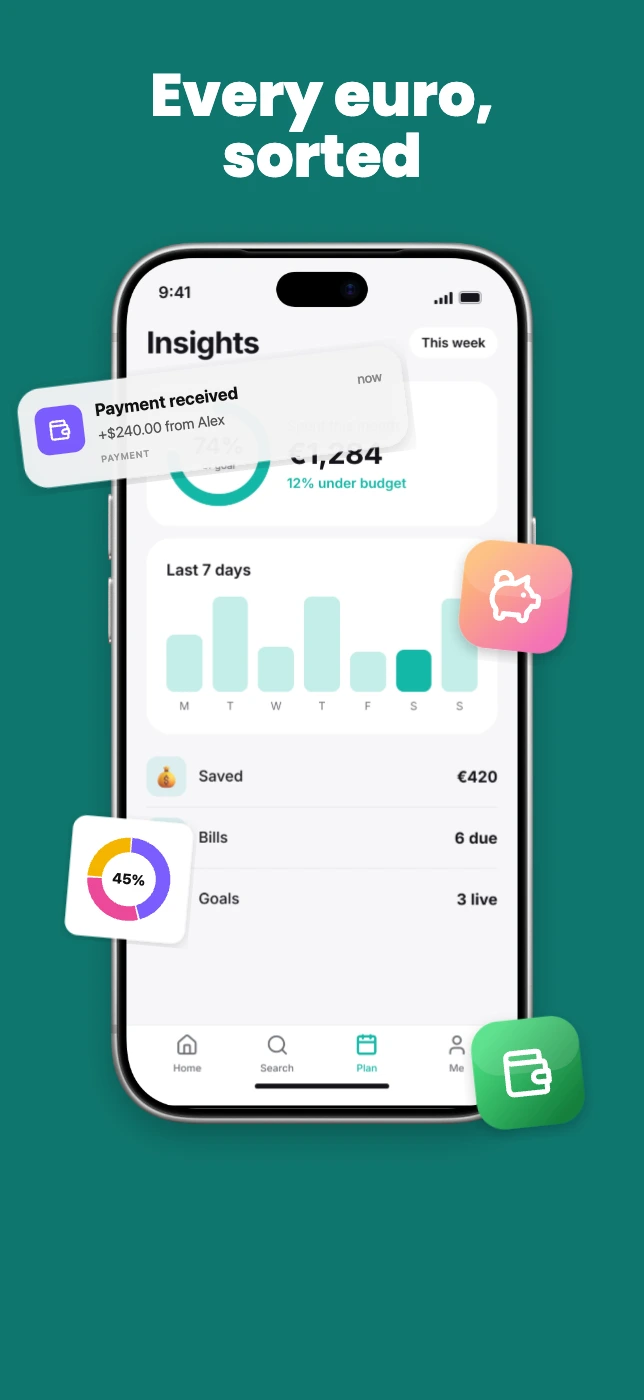
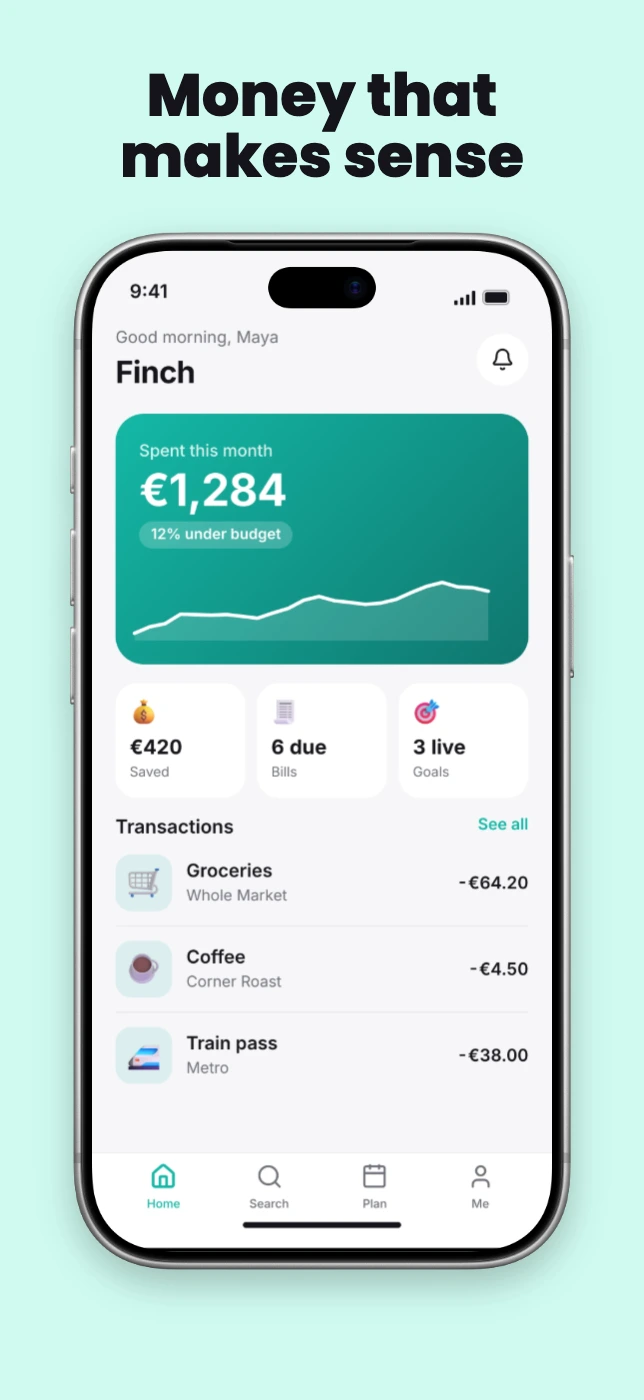
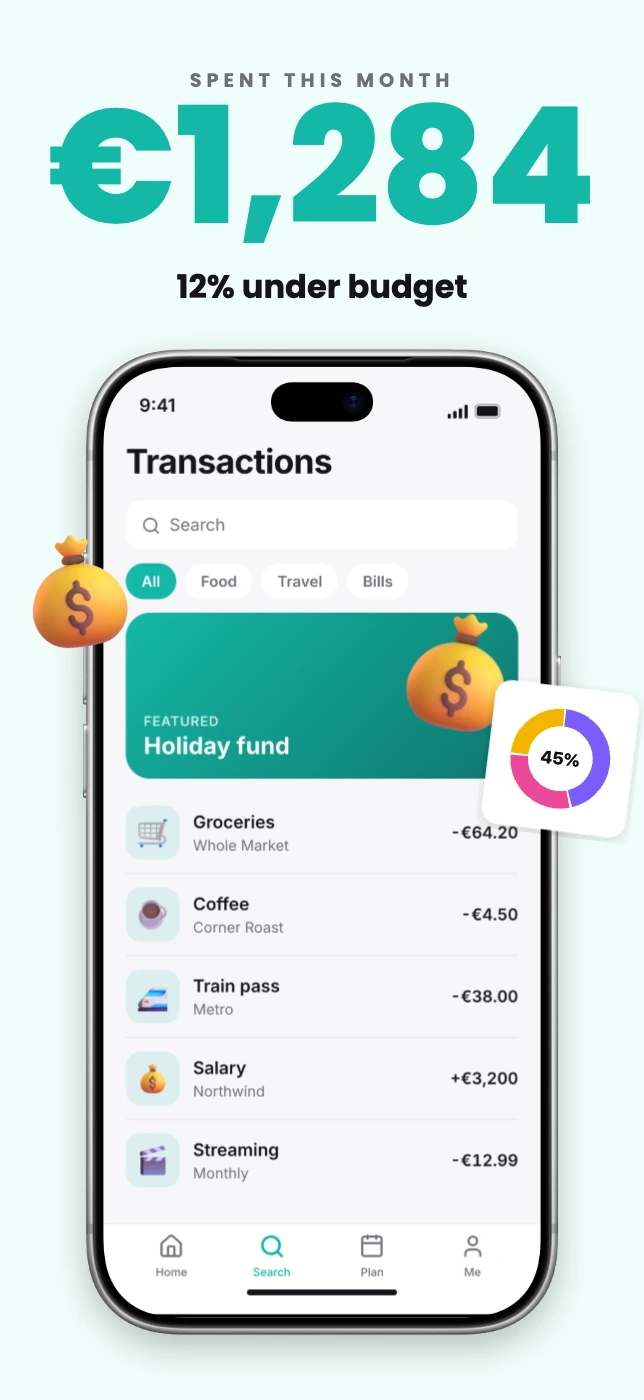
- 1
Paste the prompt
Copy it into Claude Code, Codex, Cursor or any agent. It adds the server itself and asks you only what it has to.
- 2
Your agent does the work
It runs your app, captures the screens that sell it, writes the headlines and lays out a set at the right sizes.
- 3
You finish it
Open the link. Everything is editable in the same editor as always. Change what you like and export.
What it can do
Everything your agent gets.
Capture your app
Screens from your simulator, emulator or browser, uploaded privately.
Design a set
Layouts, backgrounds, device frames and text, chosen for your app.
Write the headlines
Short, benefit-led captions that read like your product.
Every store size
6.9-inch iPhone, 13-inch iPad and Google Play, ready to upload.
Hand you a link
One click opens the set in your browser, fully editable.
Save to your library
With an API key it can list your projects and save into them.
Change it later
Ask for a new headline or colour and it updates the same set.
Private by default
Unsaved sets and their files are deleted after 72 hours.
Live right now
Real numbers from this server, since Nov 11.
- 5
- screens made by agents
- 2
- sets finished
- 14 d ago
- last set
Does it cost anything?
No. The MCP server and the editor are free, with no account needed to connect. Your agent does the thinking on your own plan; Framora runs no AI model to make the set.
Do I need an account?
Not to connect, and not for anything your agent makes: it can create and change a set signed out, and you open it from the link it gives you. An account keeps the set in your library, and an API key lets your agent save there and list your projects.
Can my agent change what I already saved?
Only if you give it a key from Connected agents in the editor's account menu. It can then save sets into your projects and list them. Revoke the key there at any time and the agent loses access at once.
What happens to my screenshots?
Your agent uploads them to a private staging area nobody can browse. Saving the set copies them into your own private project; unsaved sets and their files are deleted after 72 hours. Nothing is public unless you publish a set yourself.
Which apps and stores does it work with?
iOS, Android, React Native, Expo, Flutter and web apps. It makes App Store sets at 1320×2868 (the 6.9" size), iPad sets at 2064×2752 and Google Play sets at 1080×1920, and you can switch to any other canvas in the editor.
Which agents work?
Any agent with MCP support over HTTP: Claude Code, Claude, Codex, Cursor, VS Code with Copilot, Gemini CLI, Zed, JetBrains AI and more. Coding agents can capture and upload screenshots themselves; chat apps work from screenshots you attach.