


Store screenshots
that sell your app.
Real device frames, live backgrounds, 8,536+ stickers and every store size. Design App Store and Google Play screenshots in your browser and export in one click.
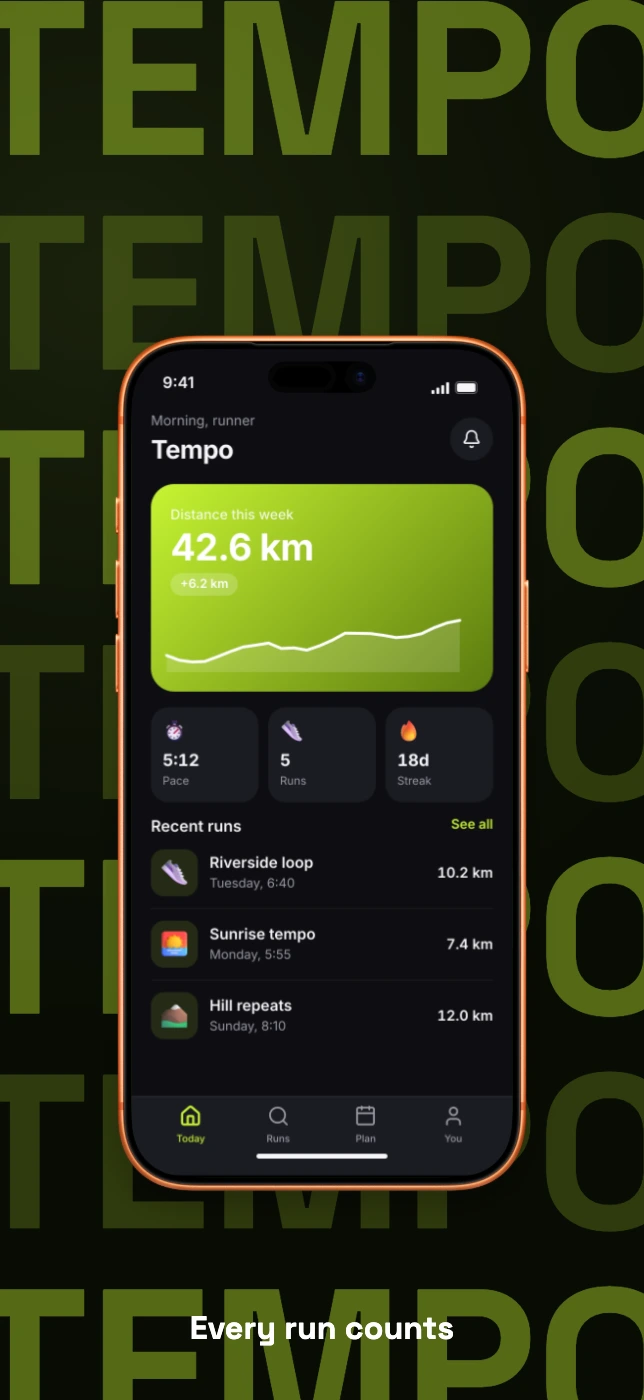
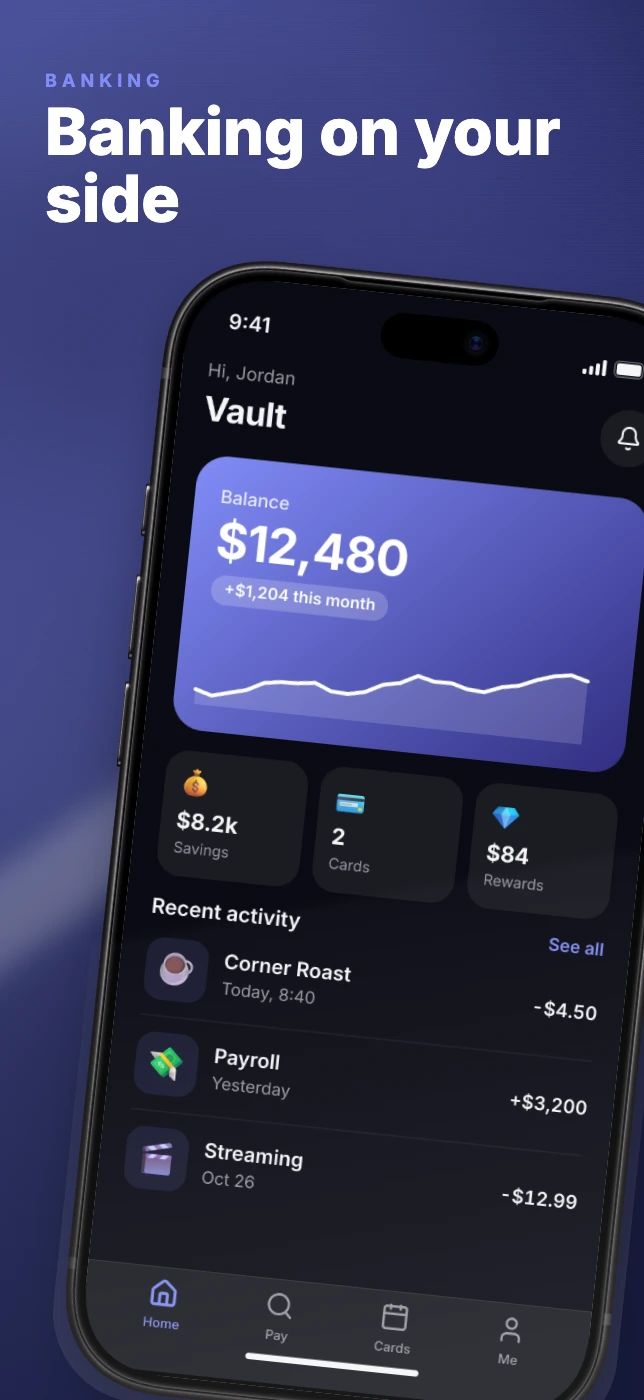
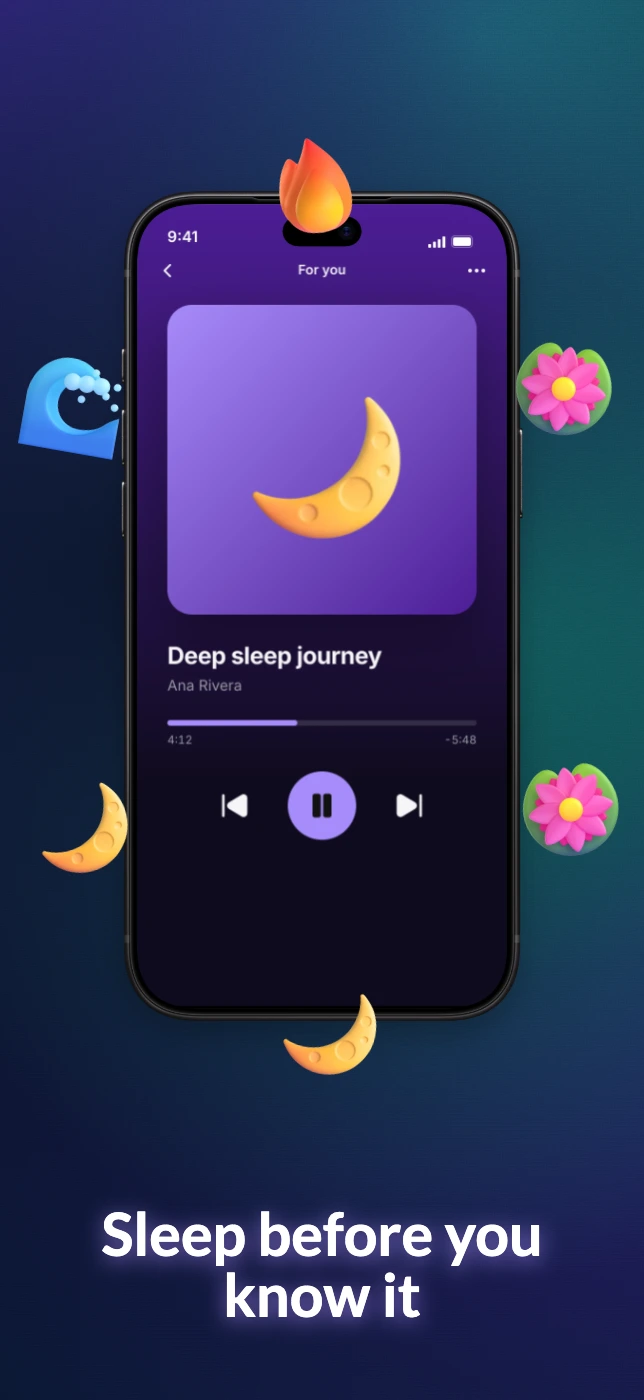
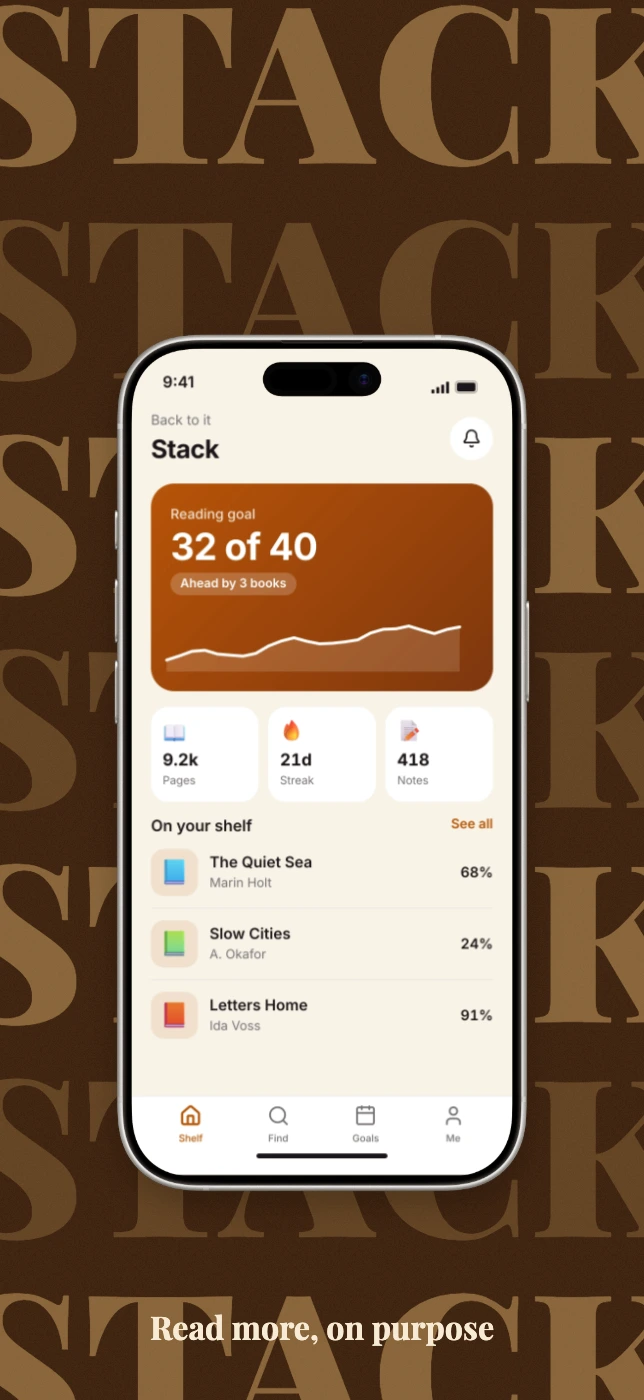
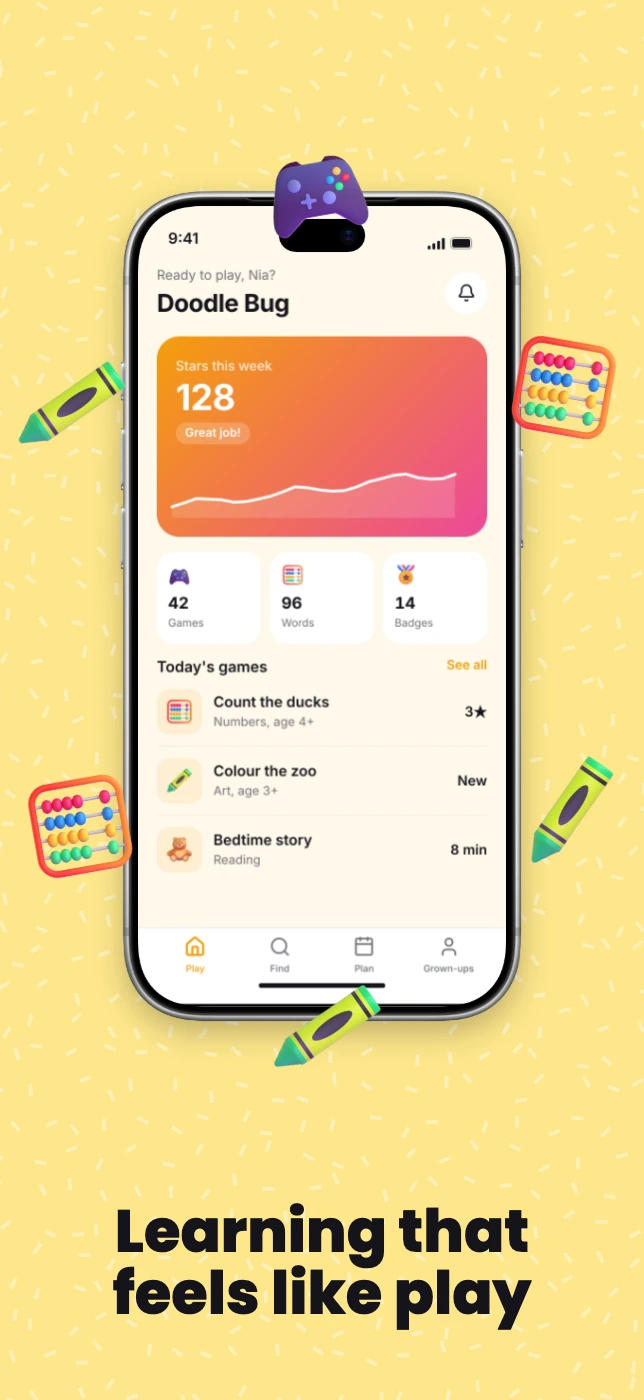
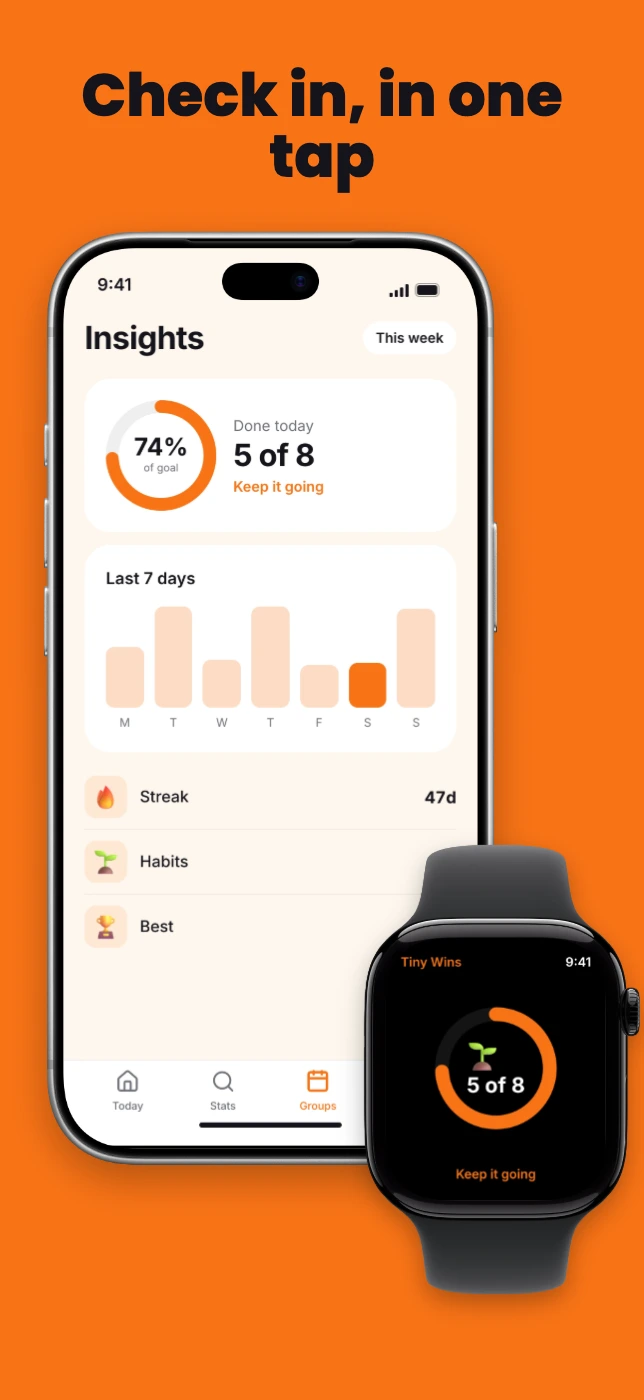
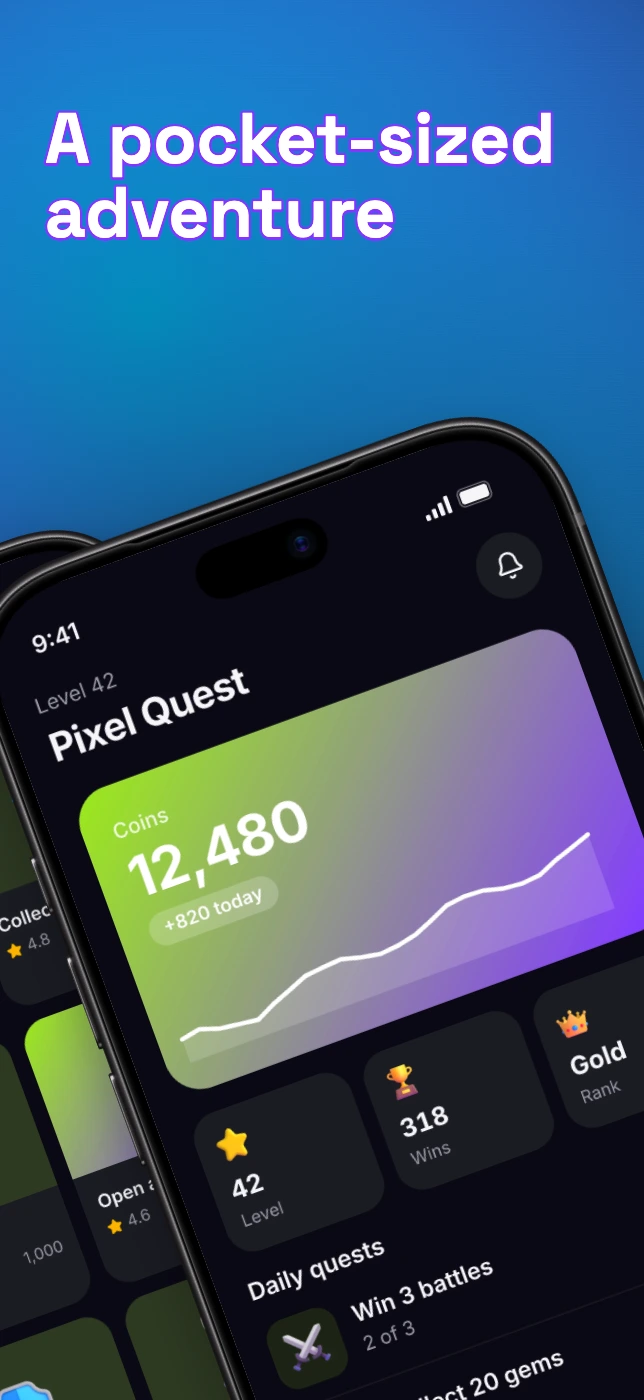
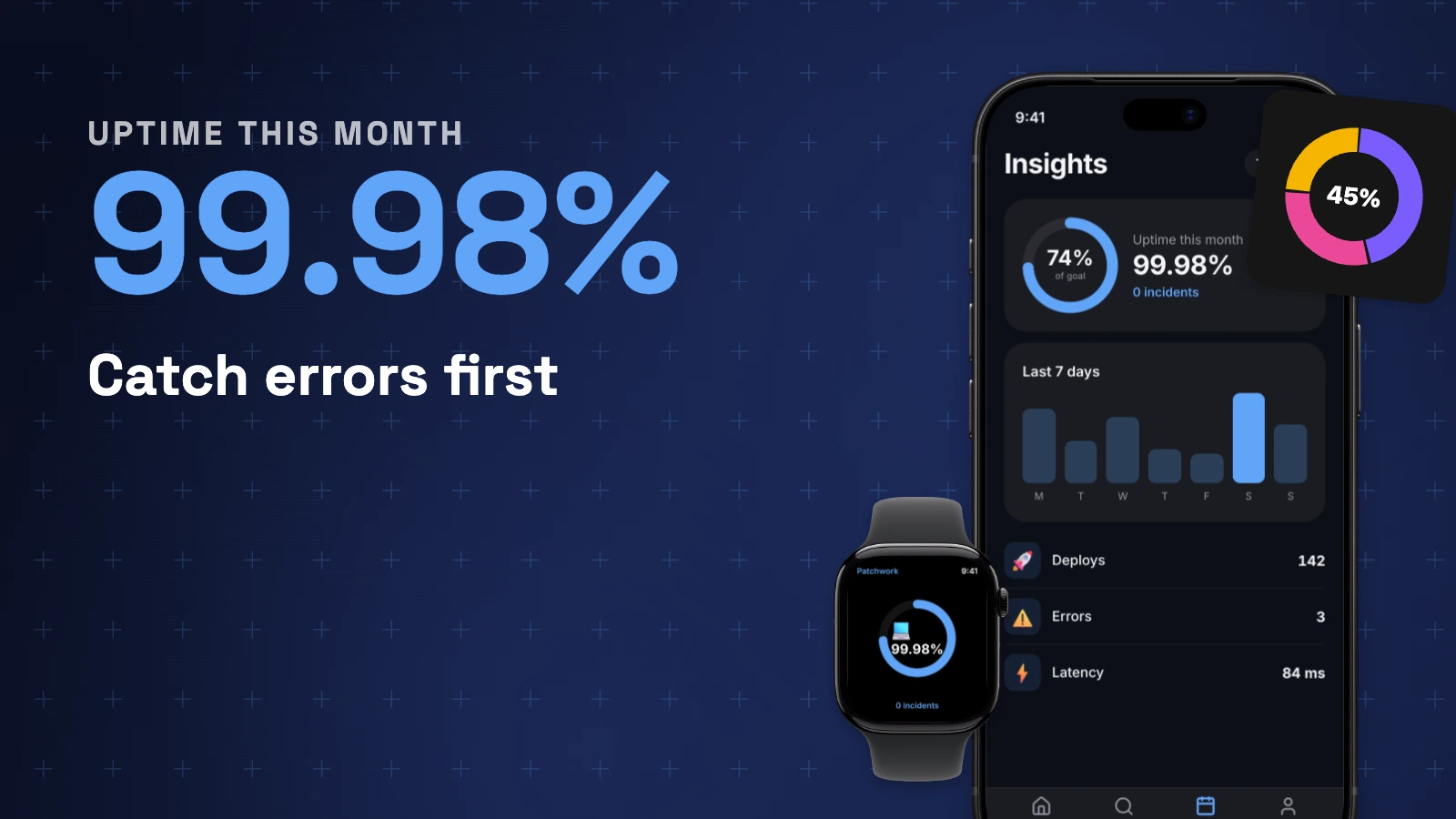
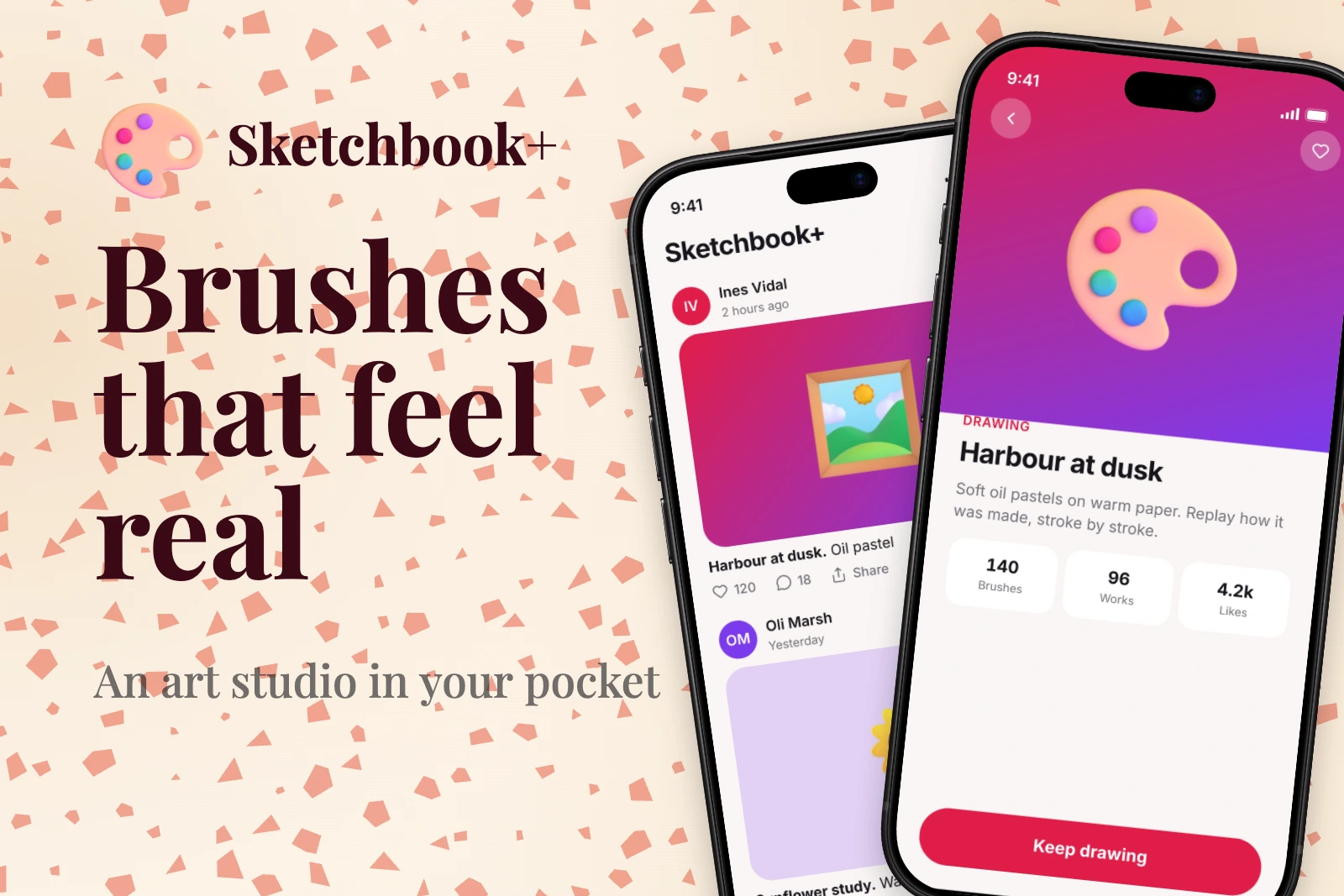
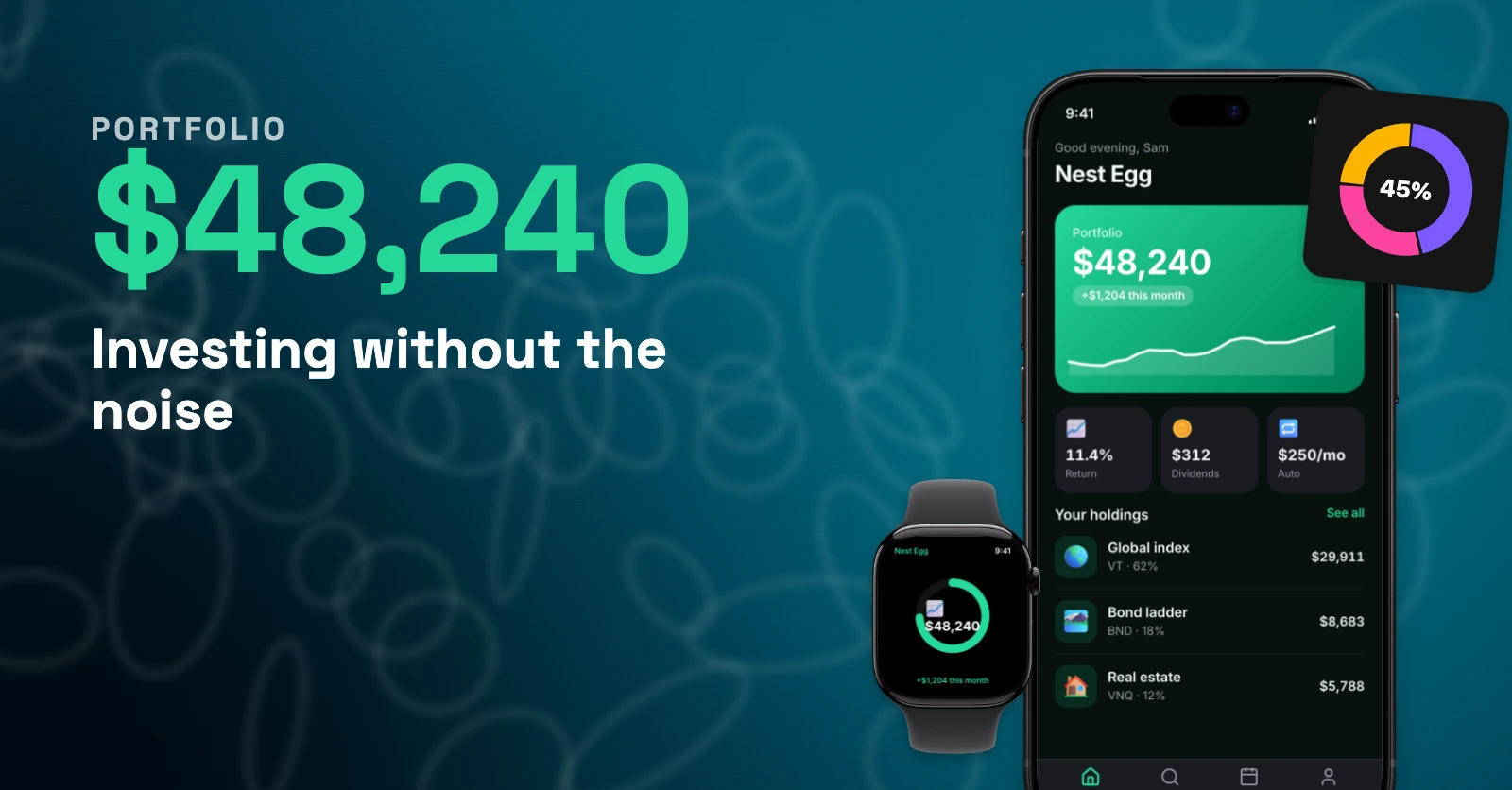
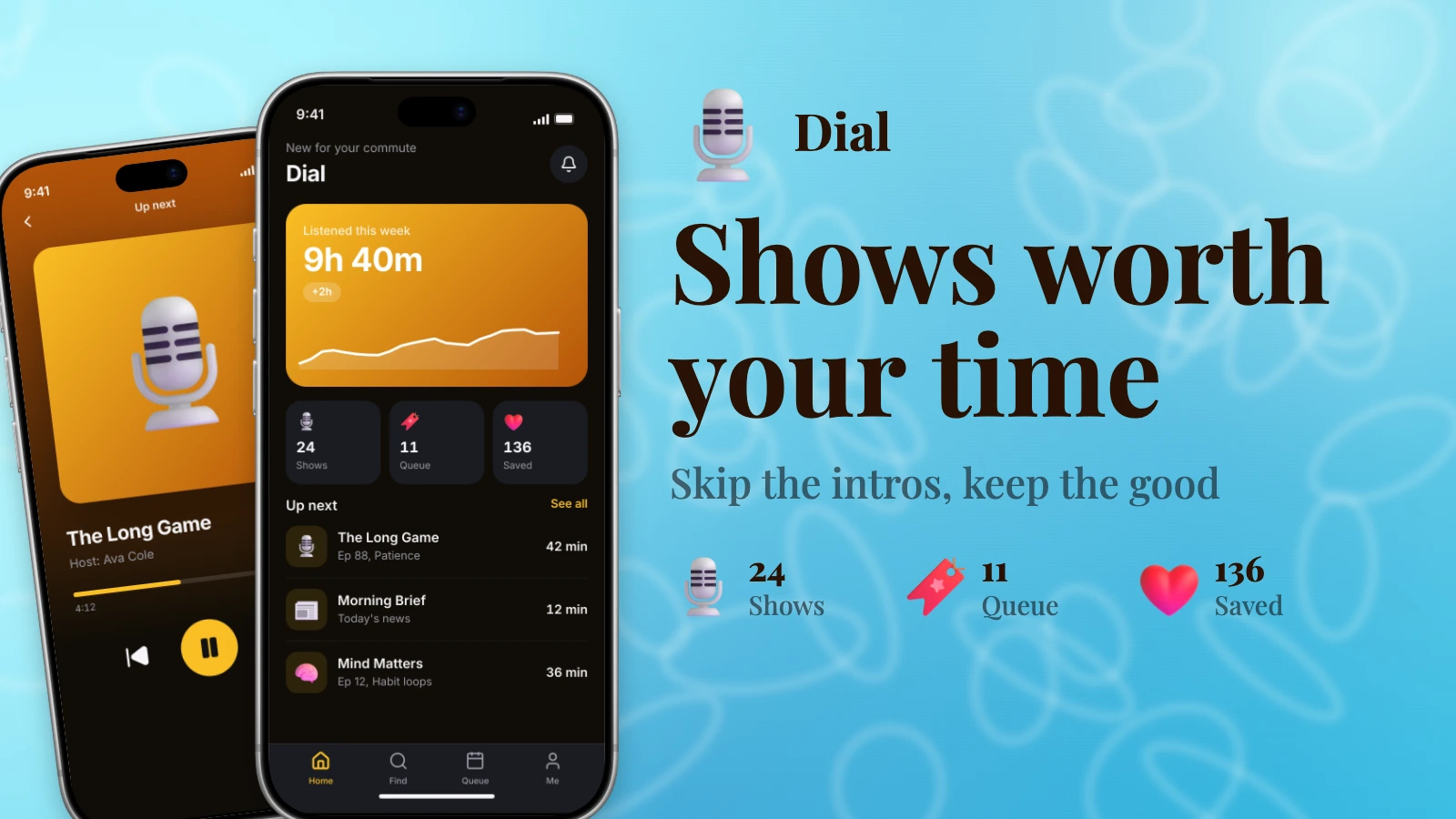
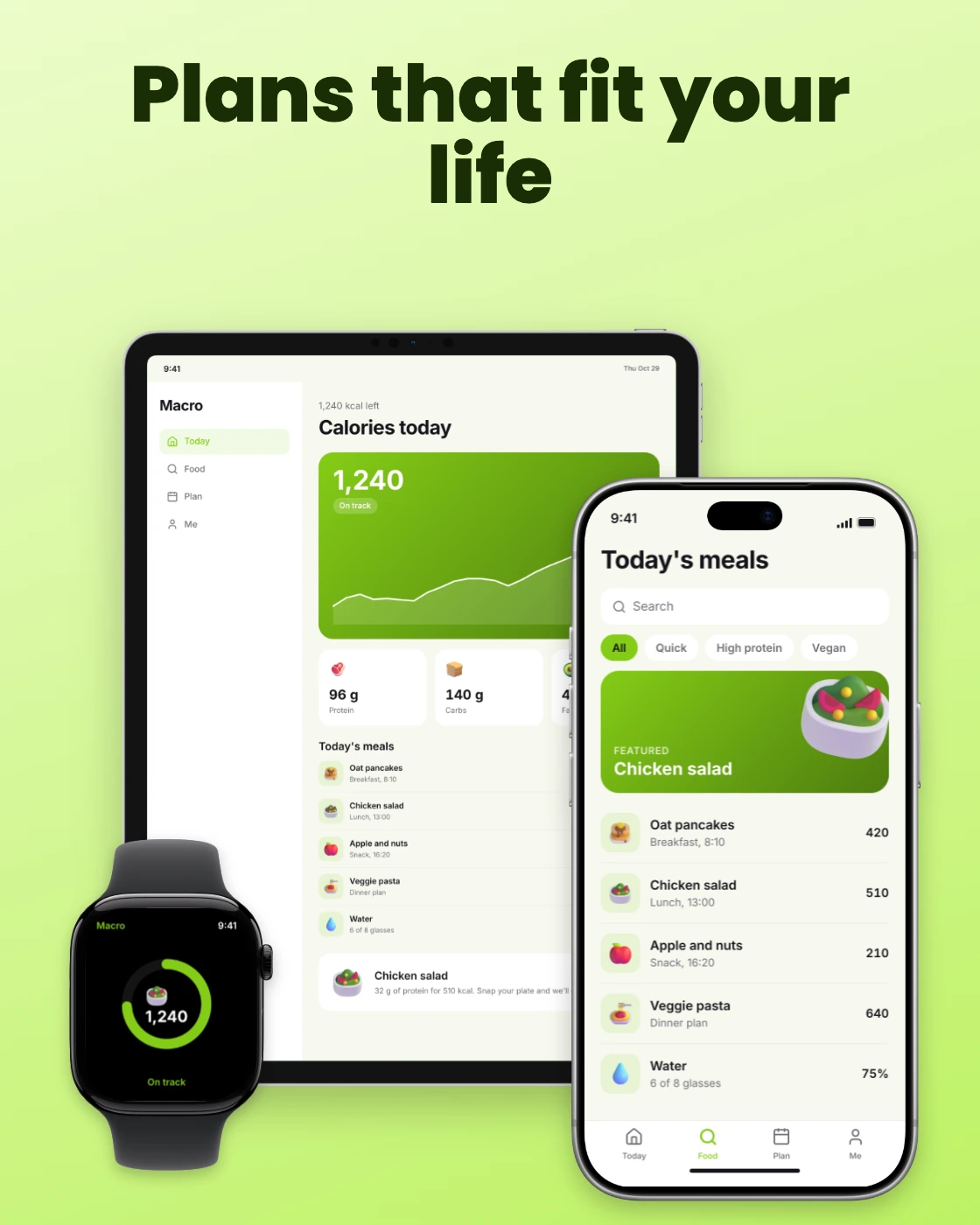
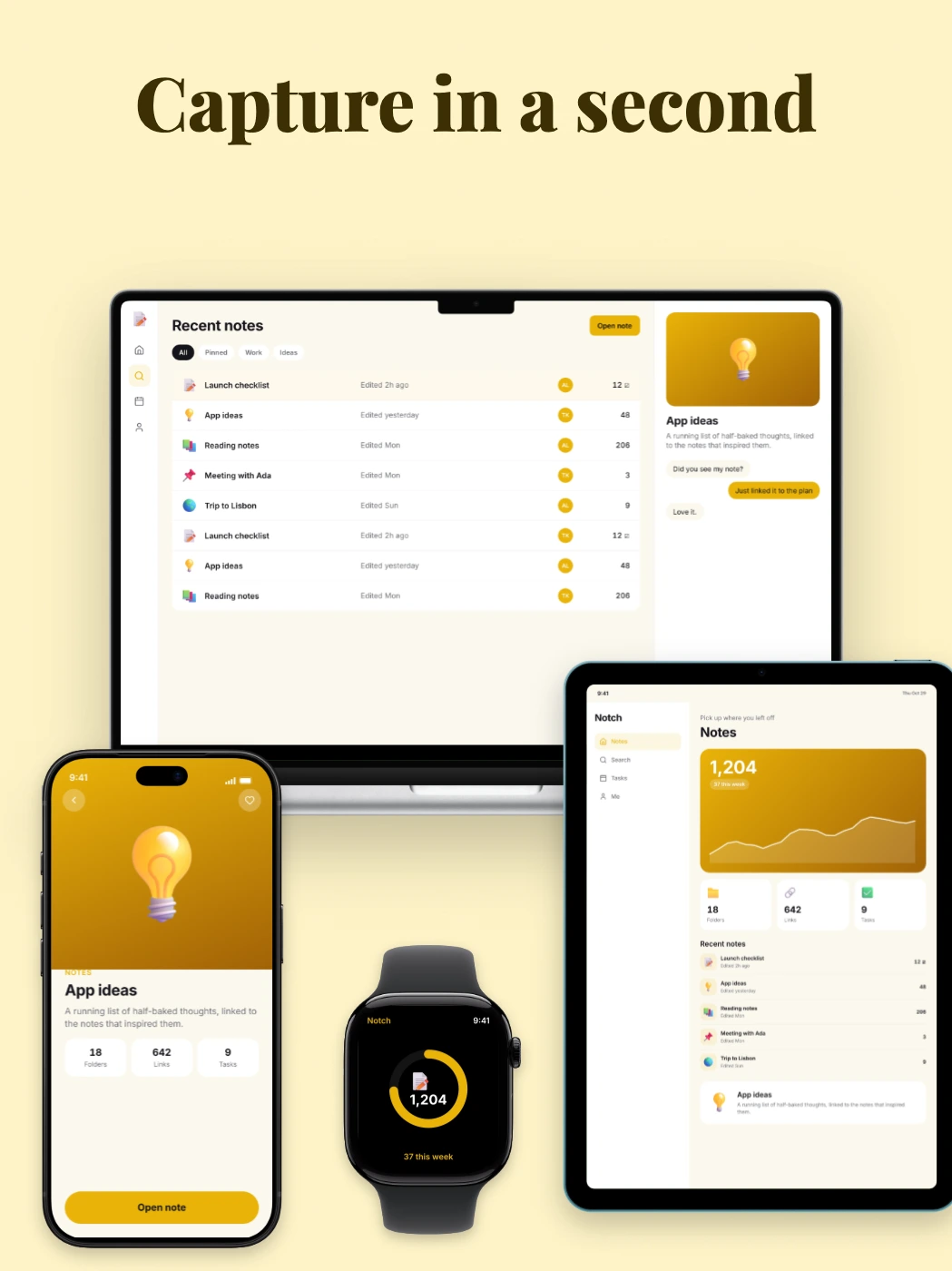
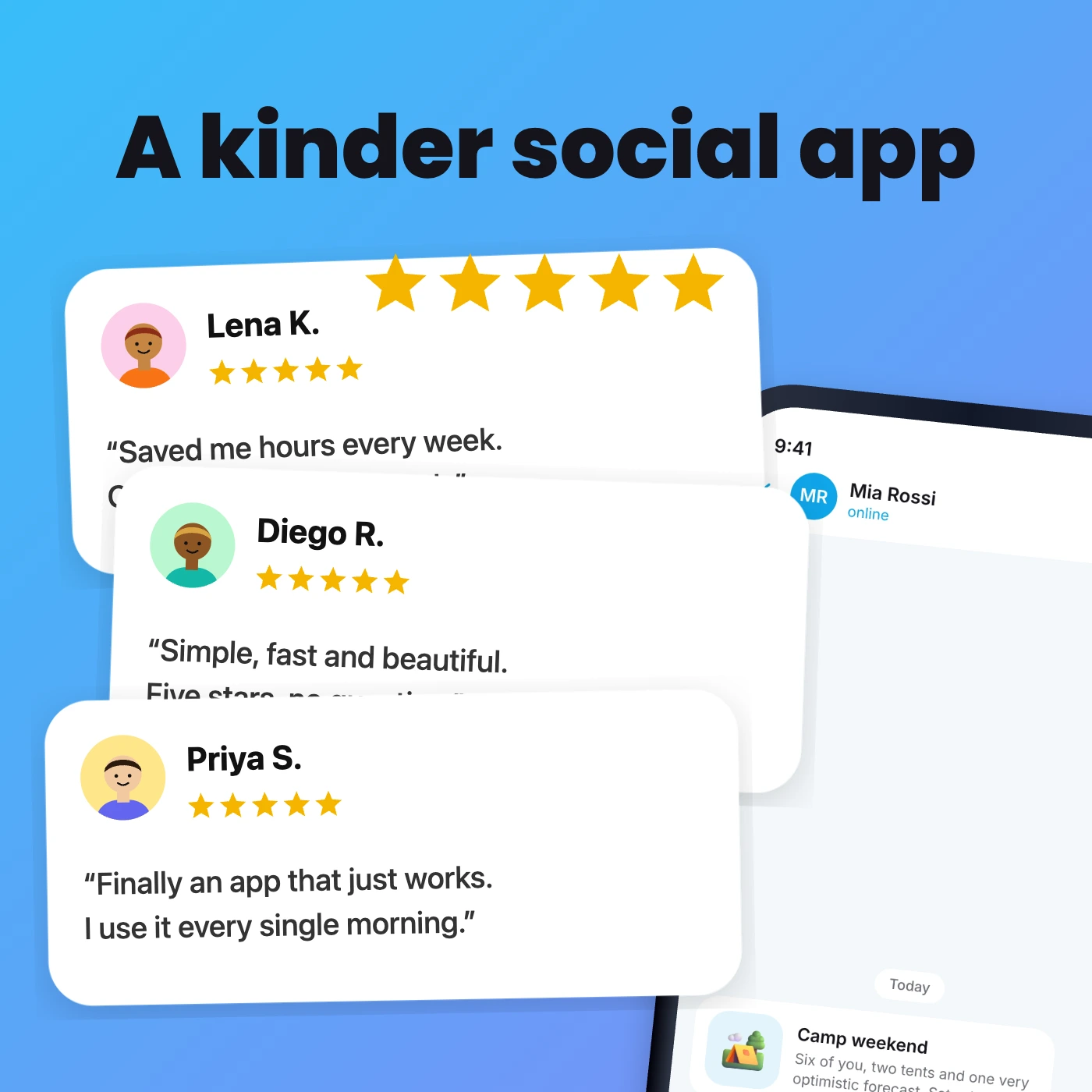
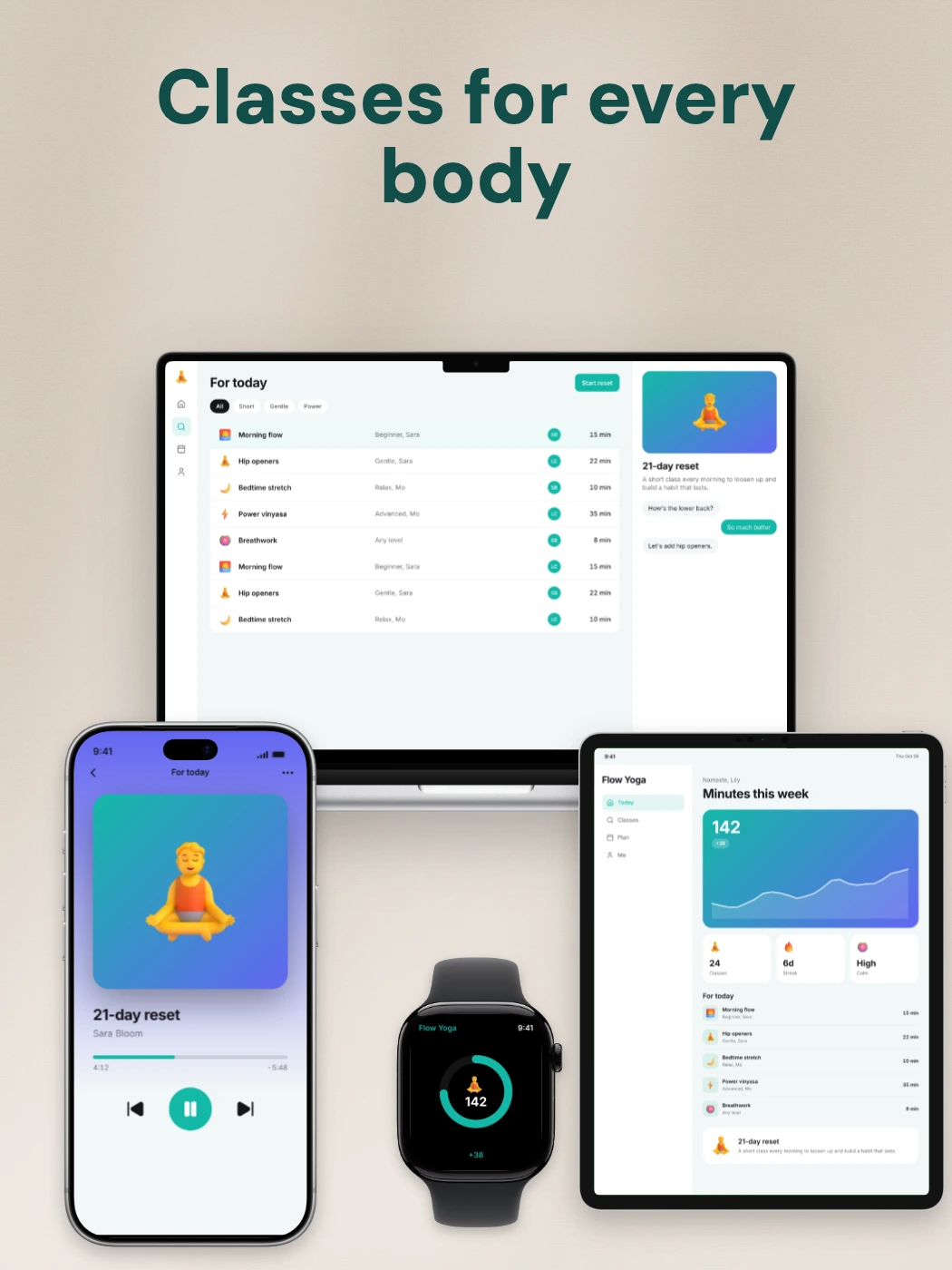
Sets ready for the store.
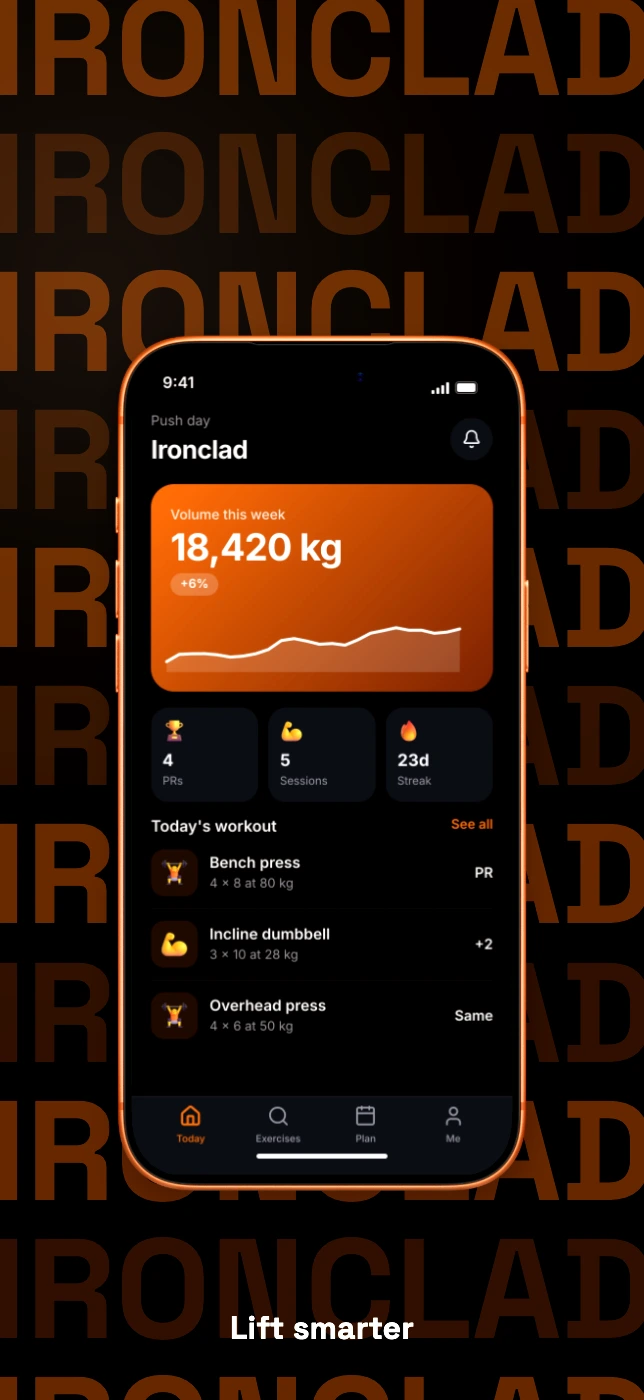
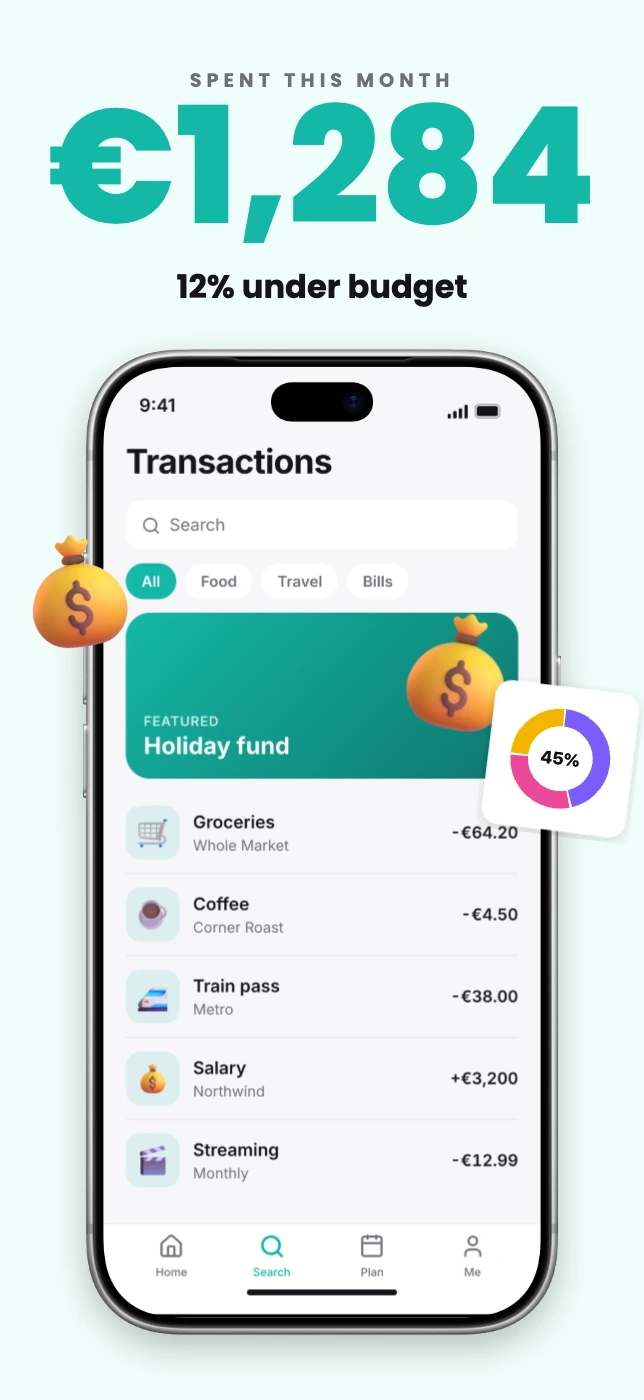
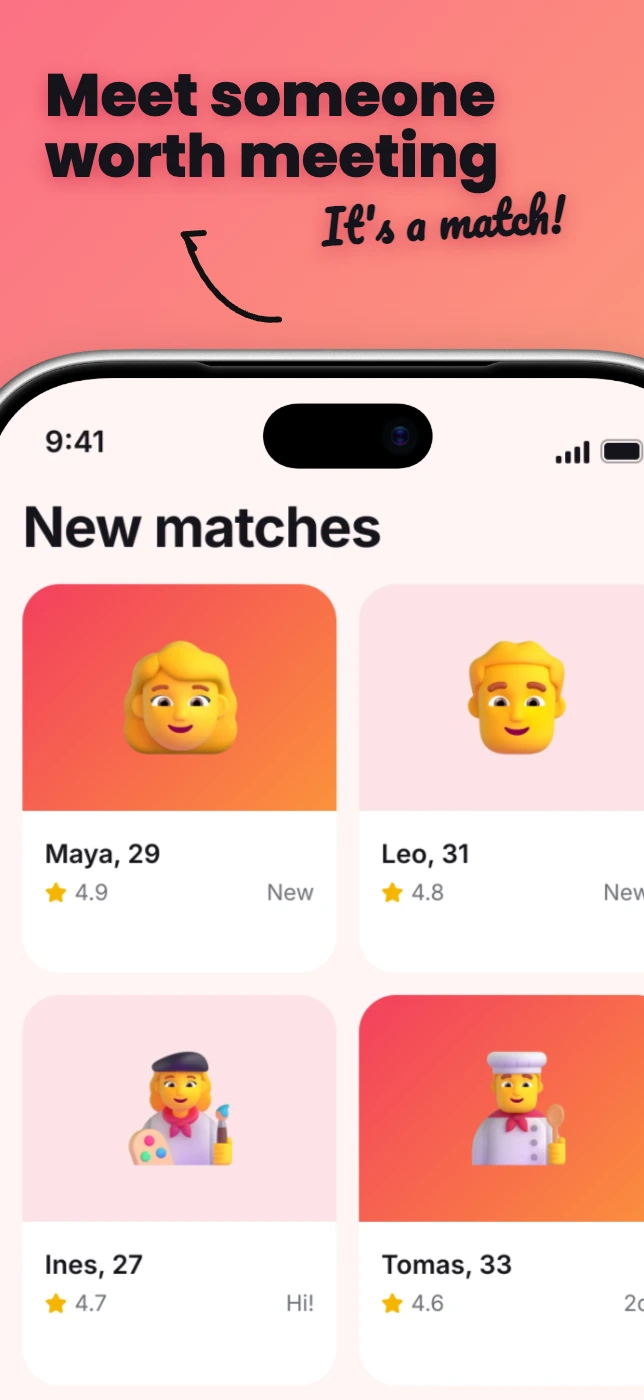
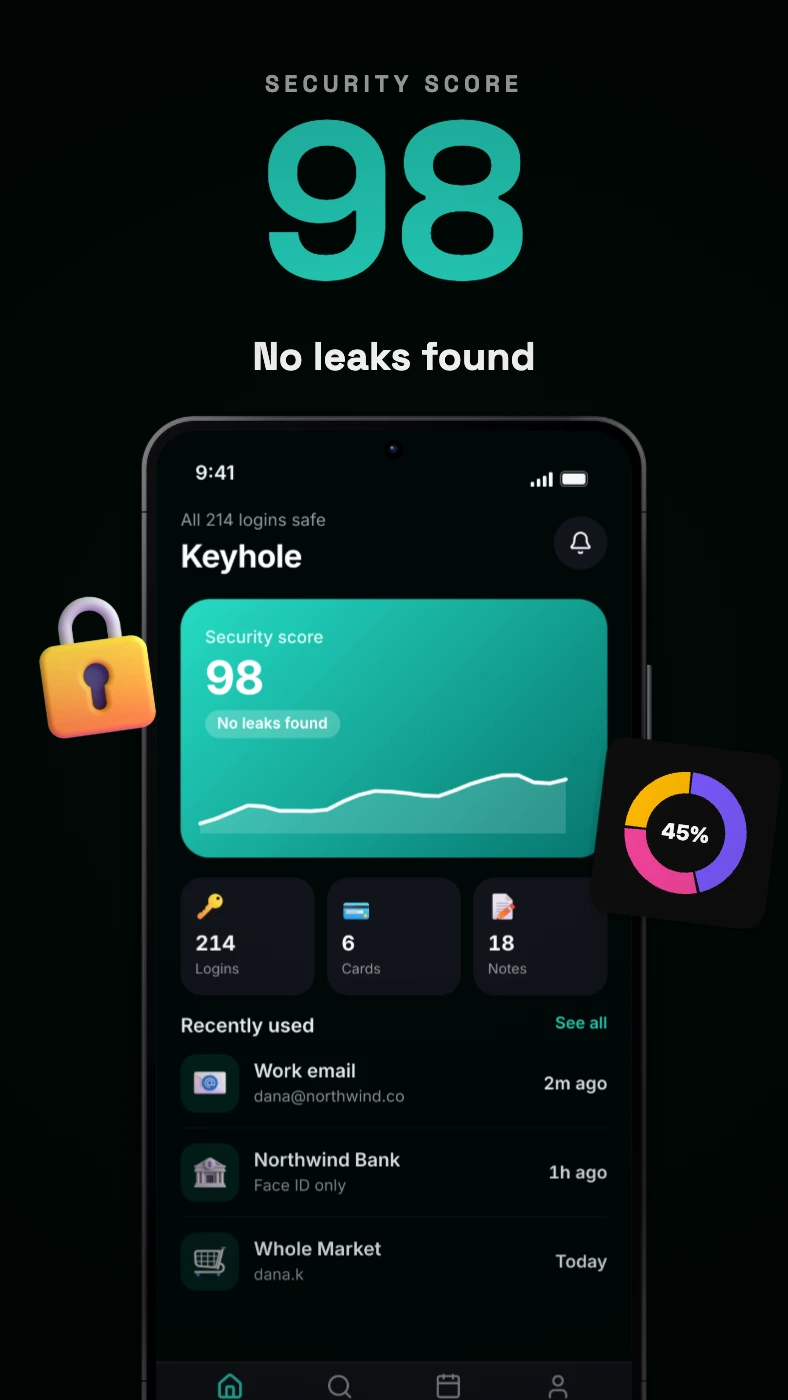
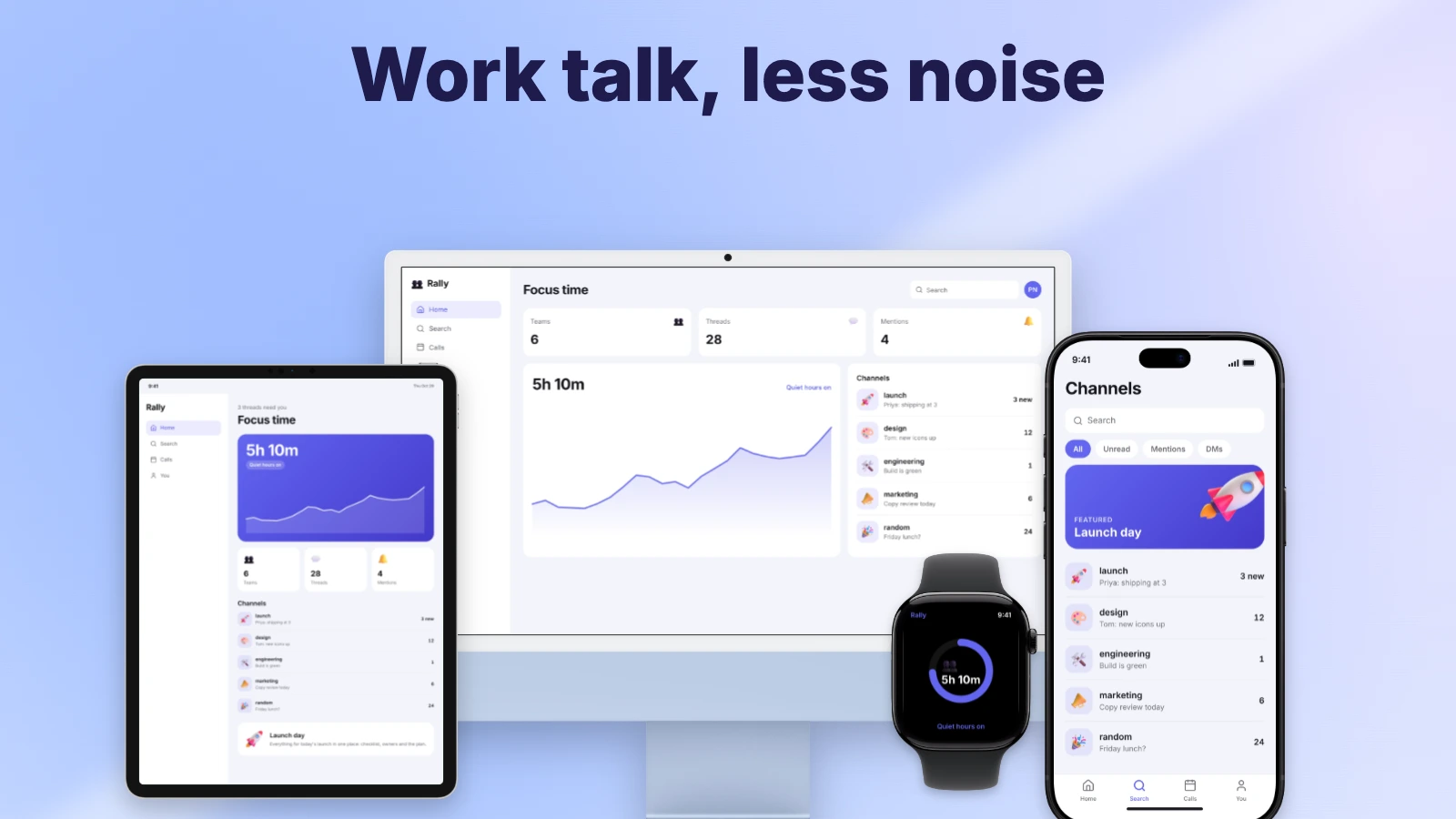
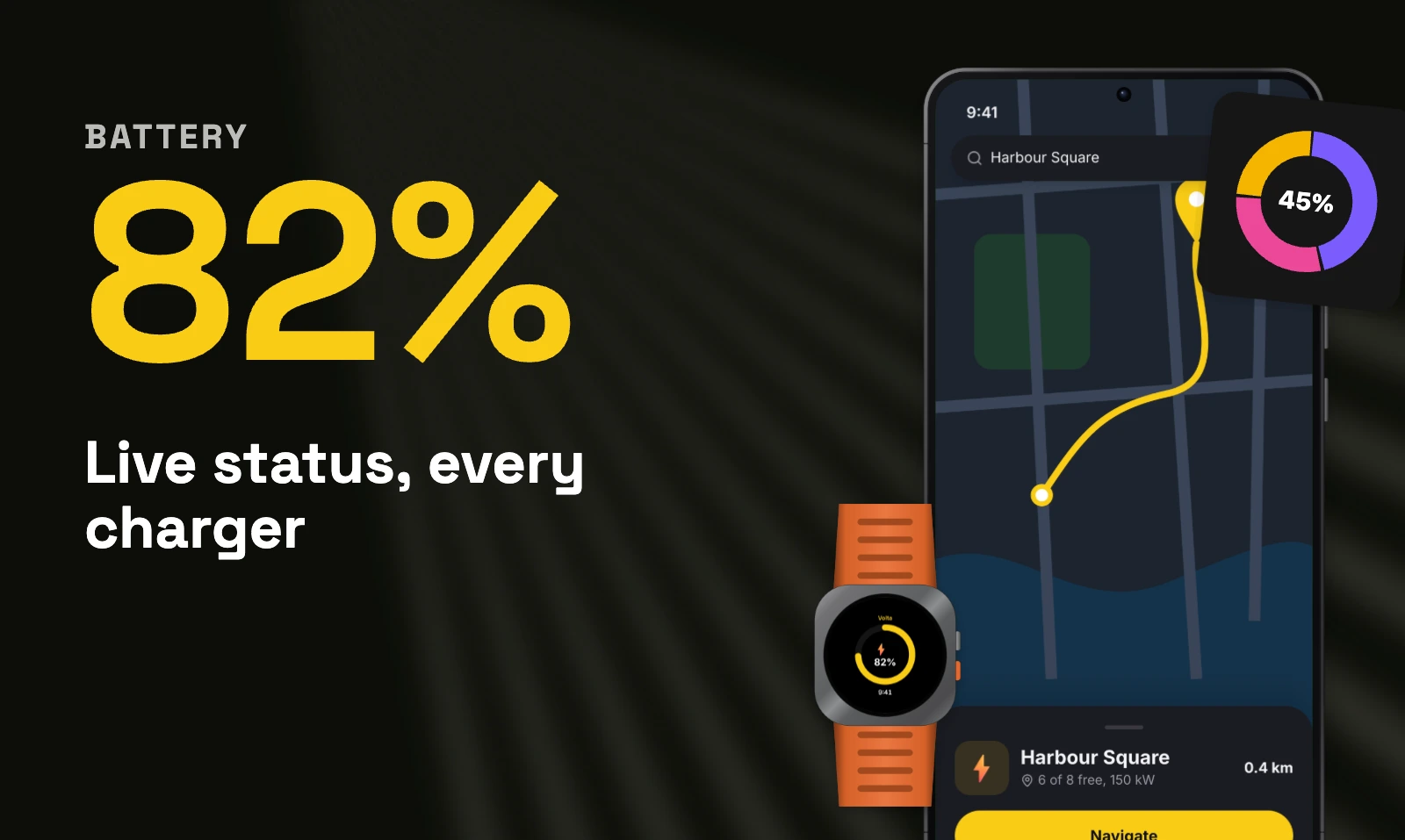
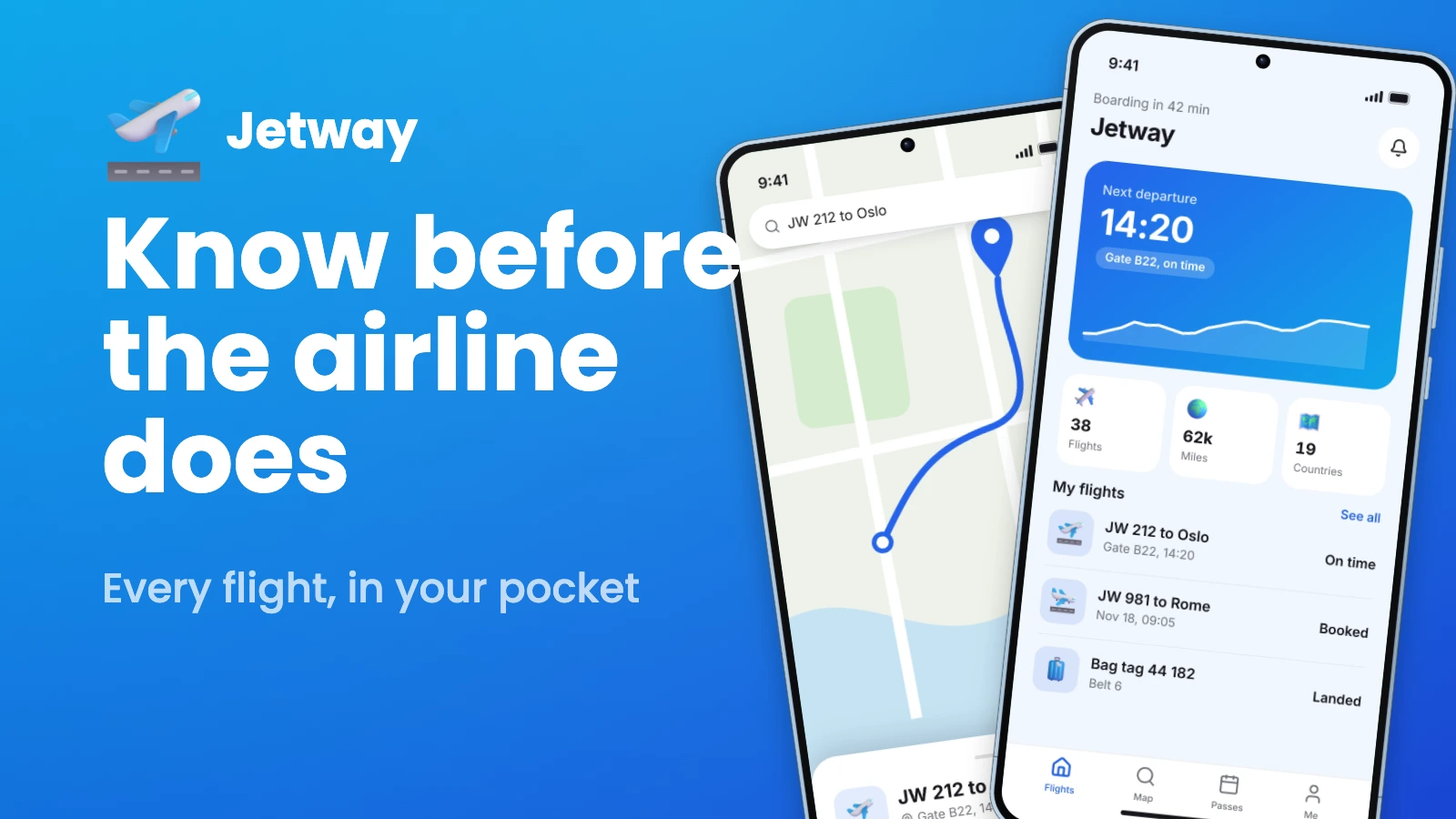
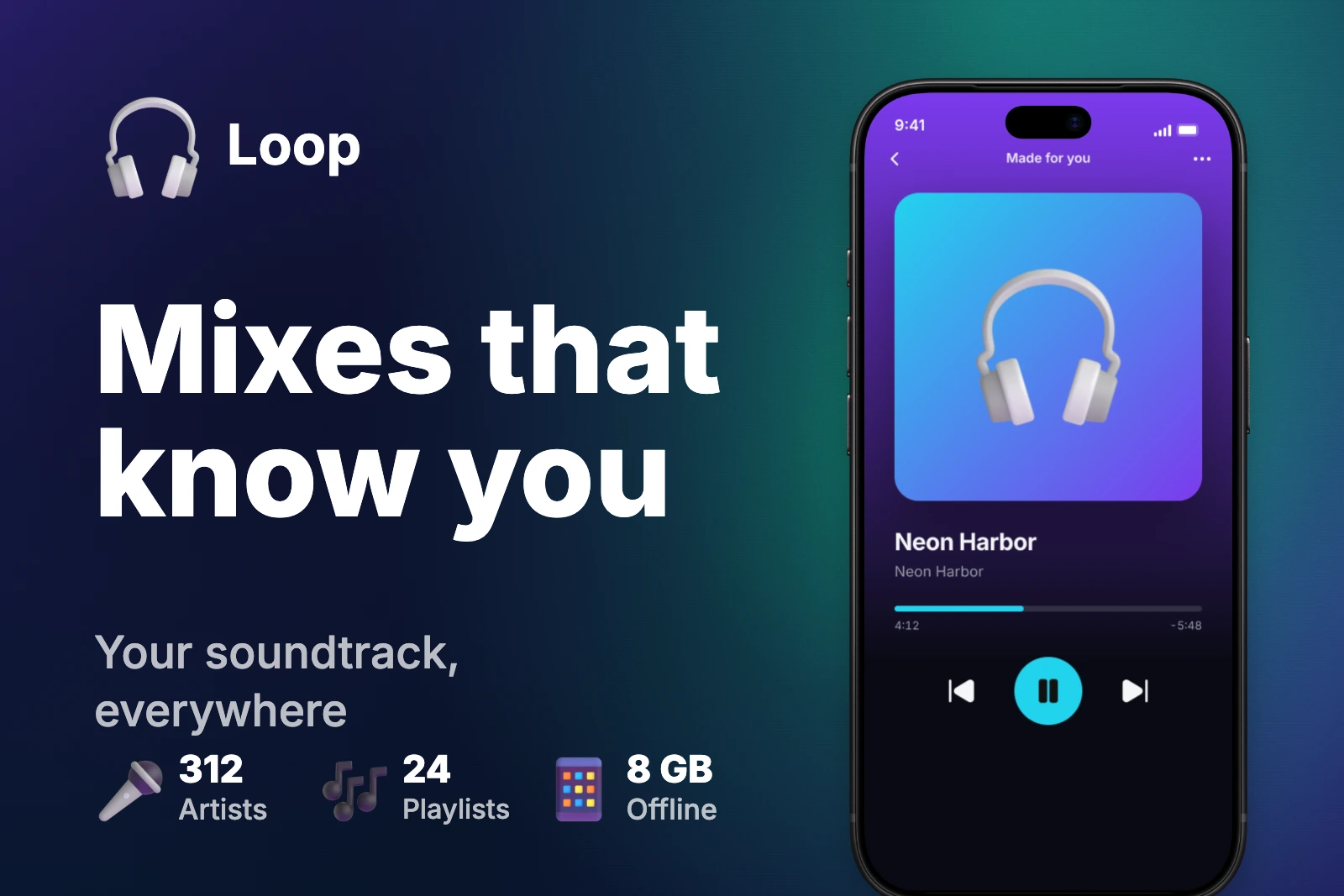
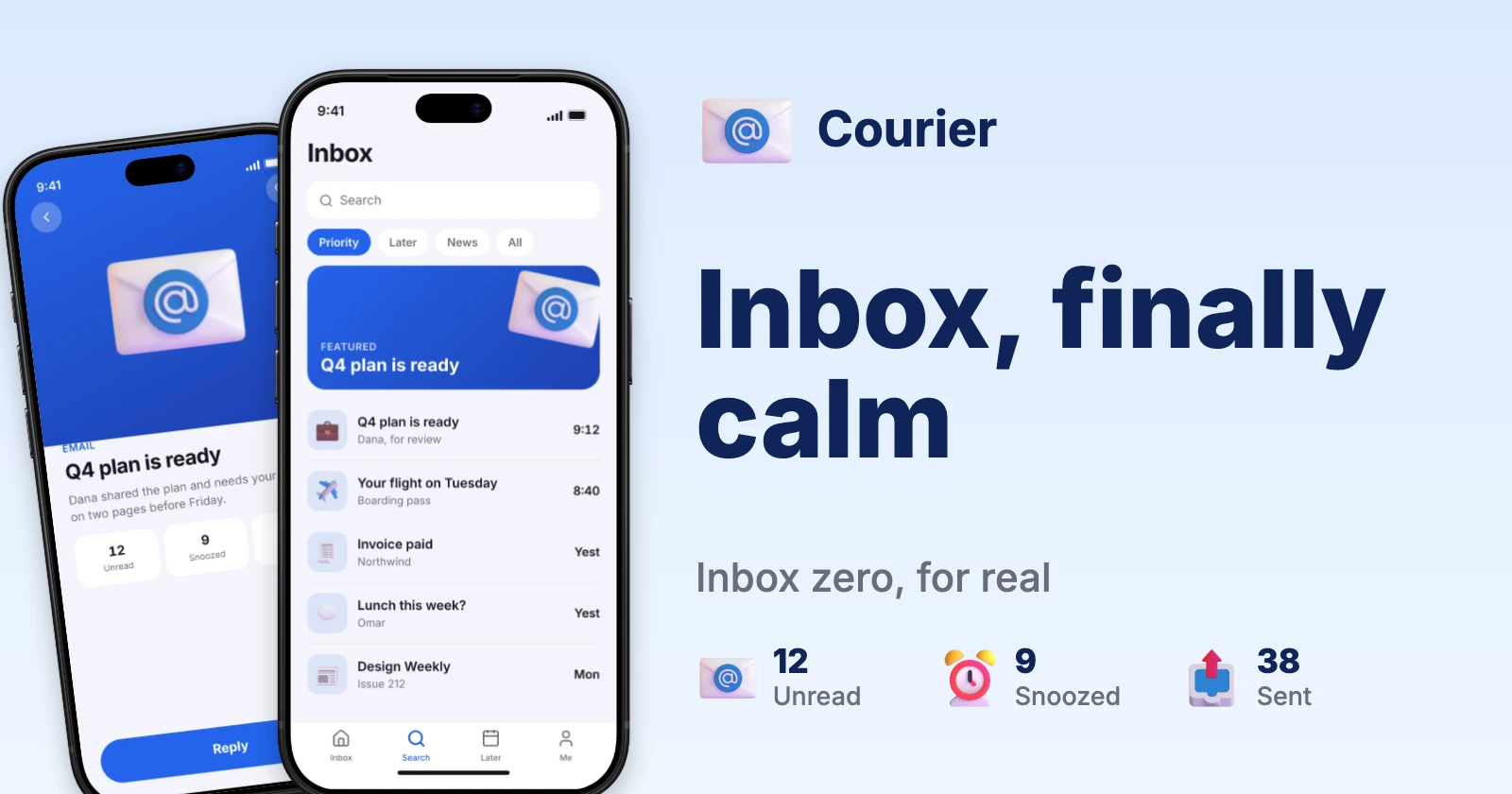
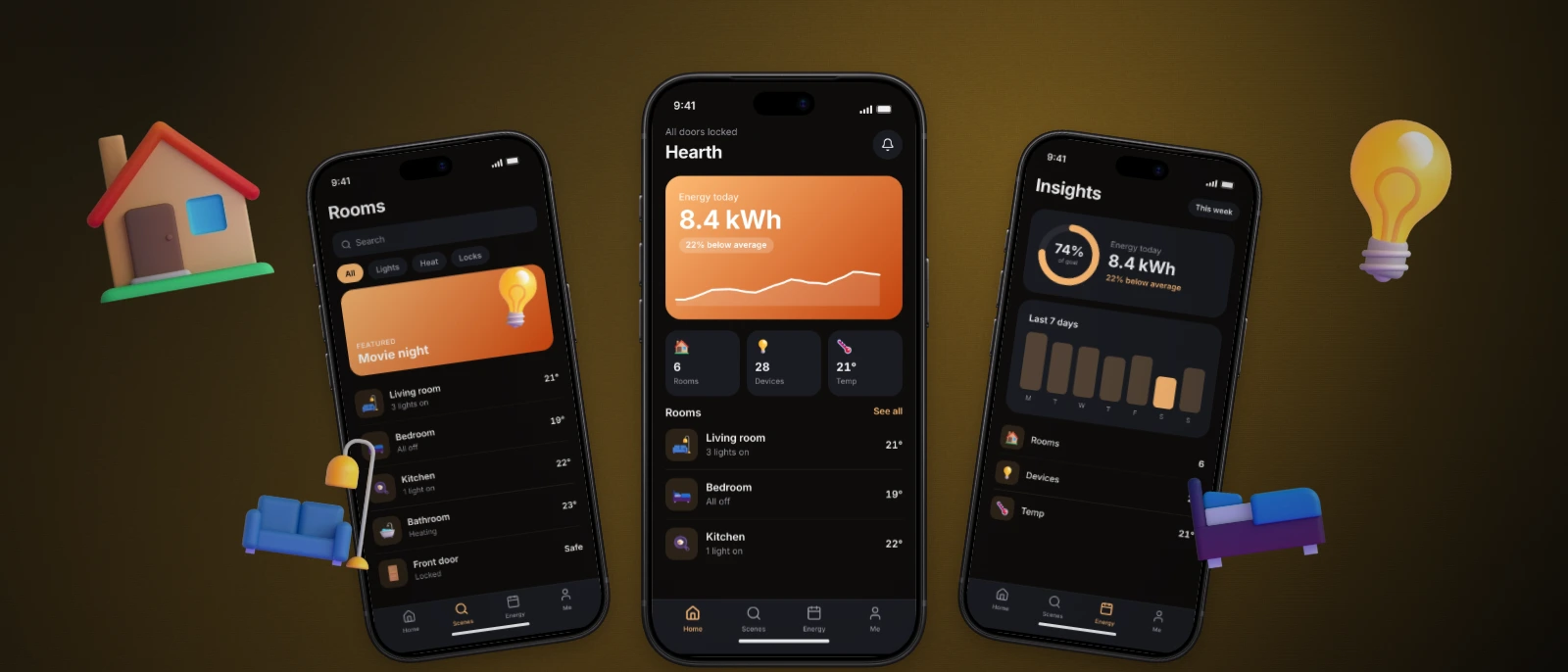
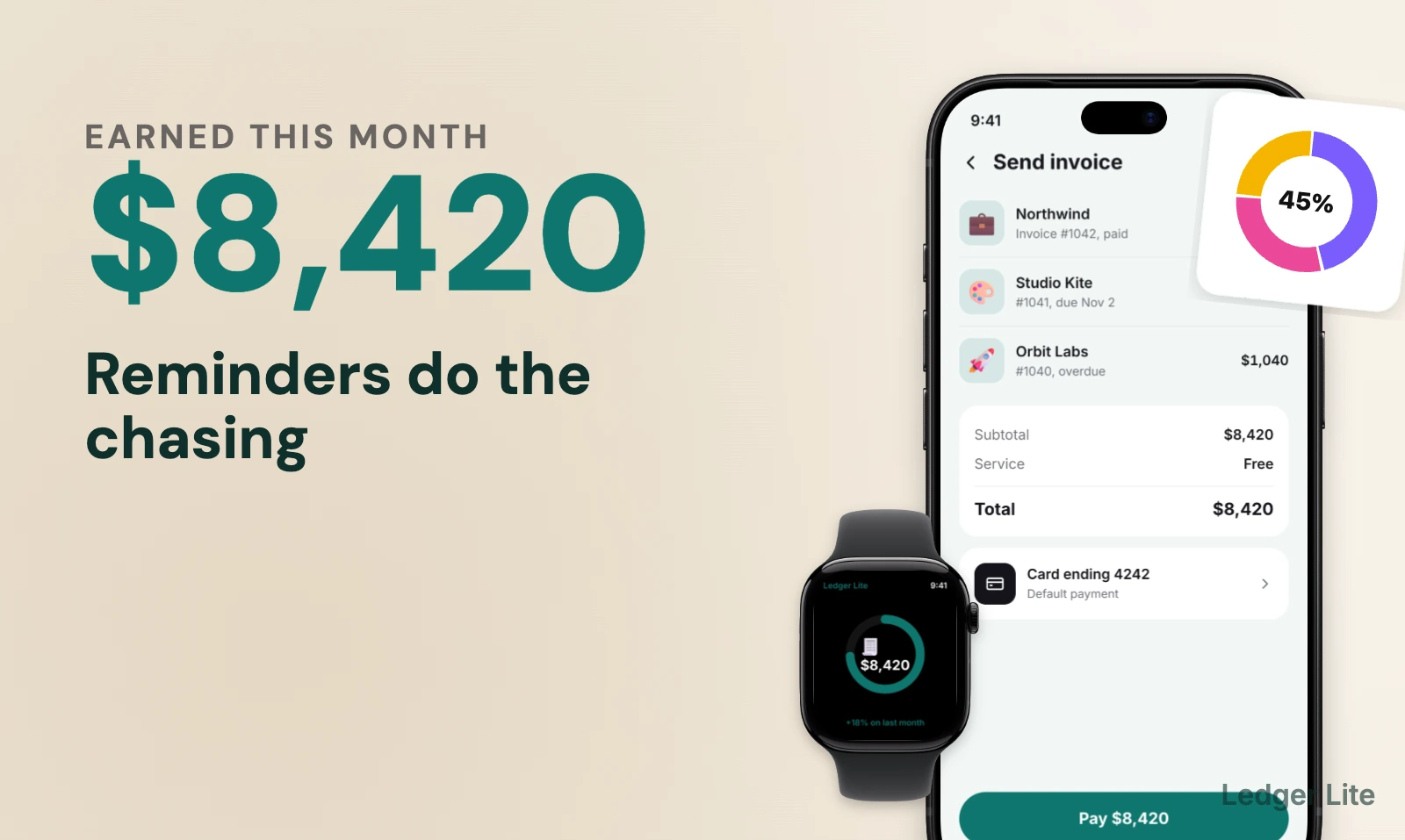
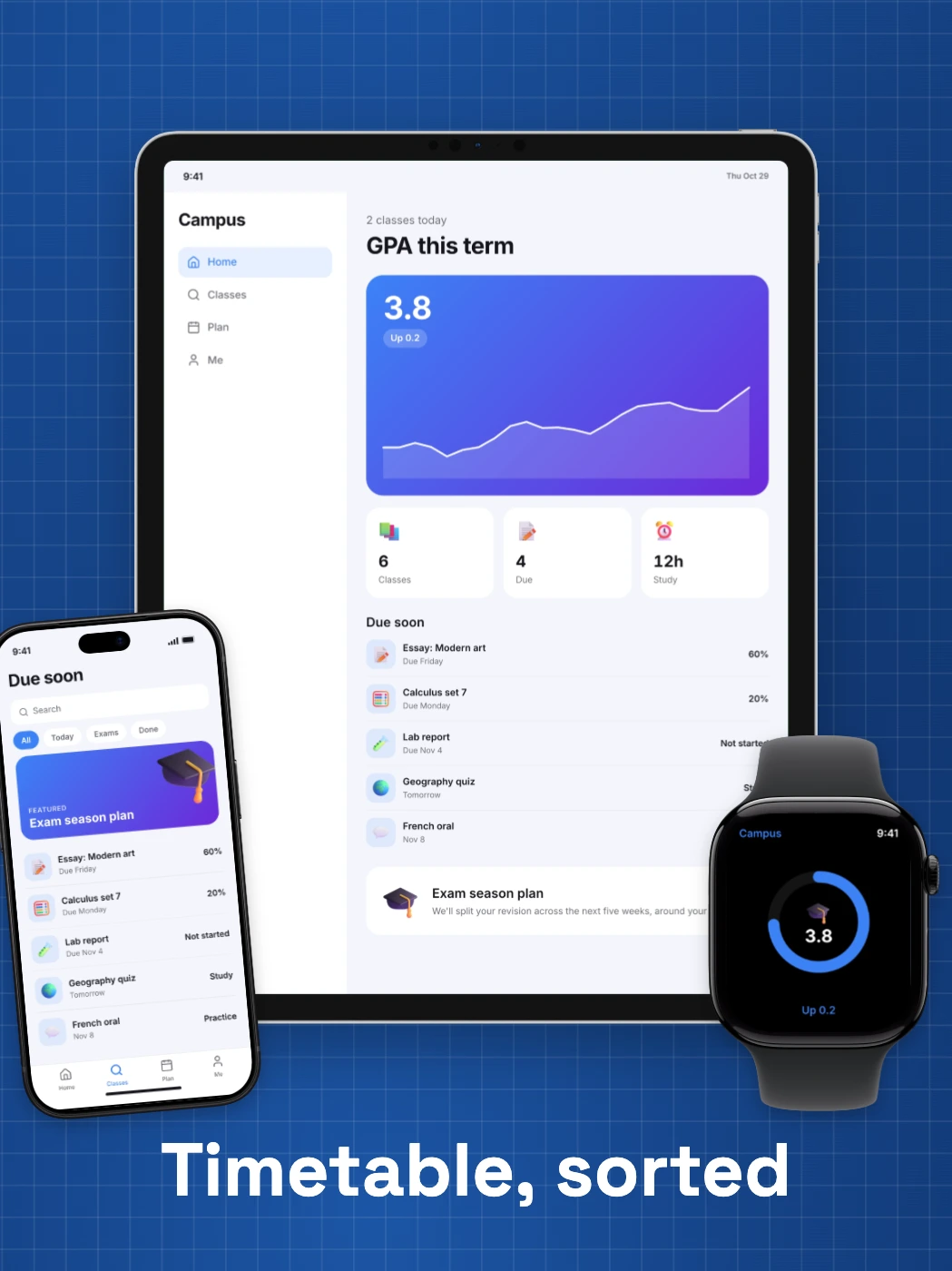
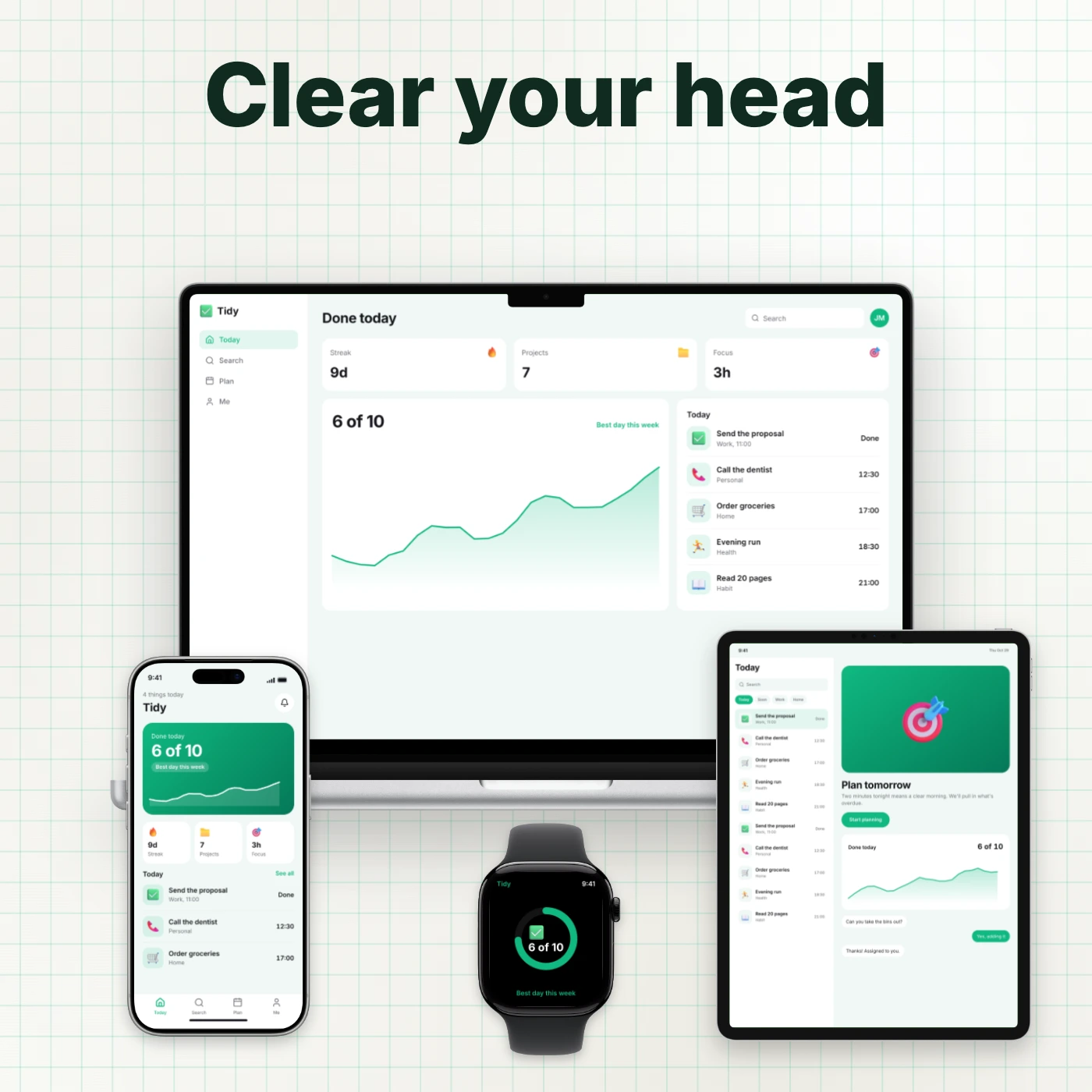
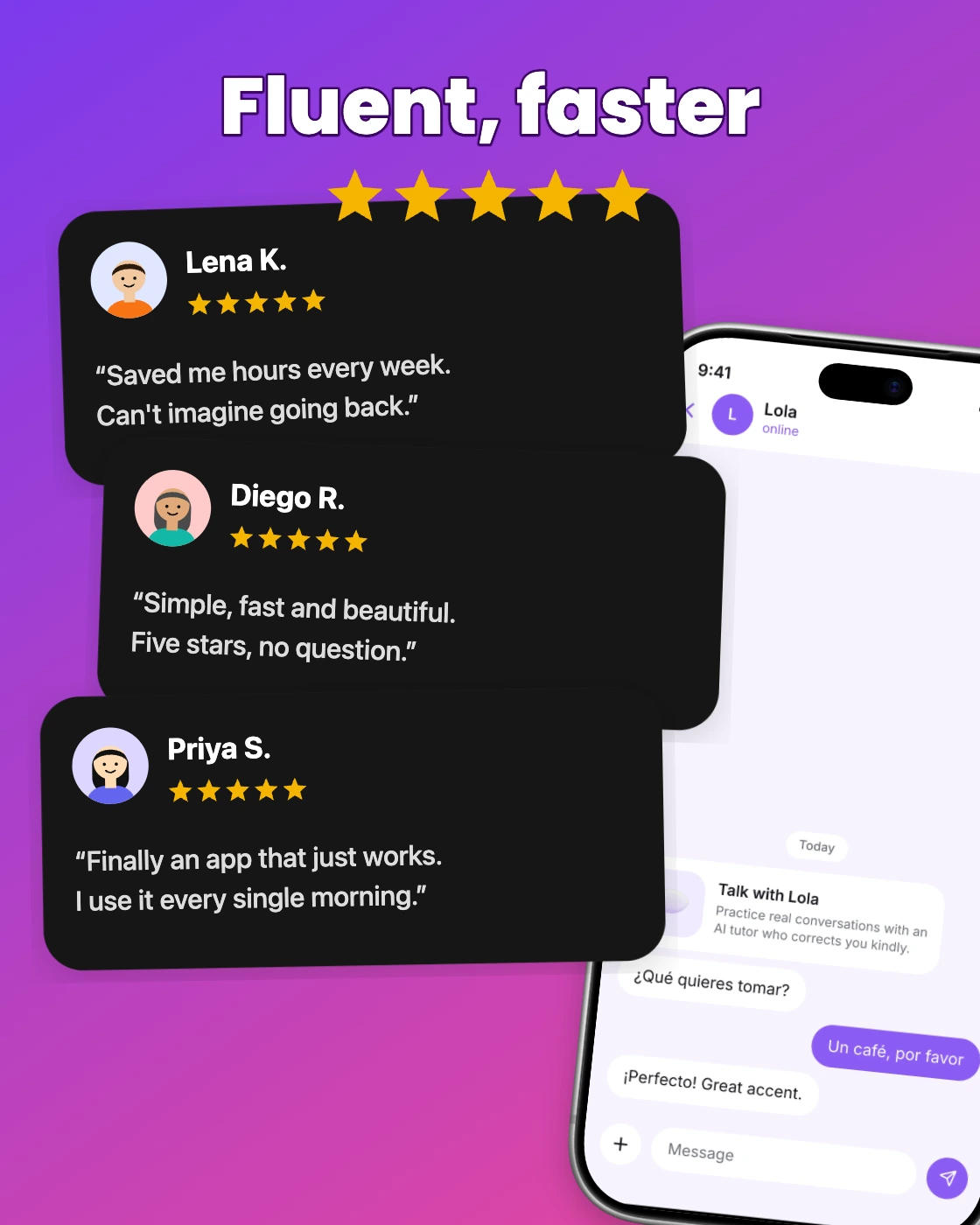
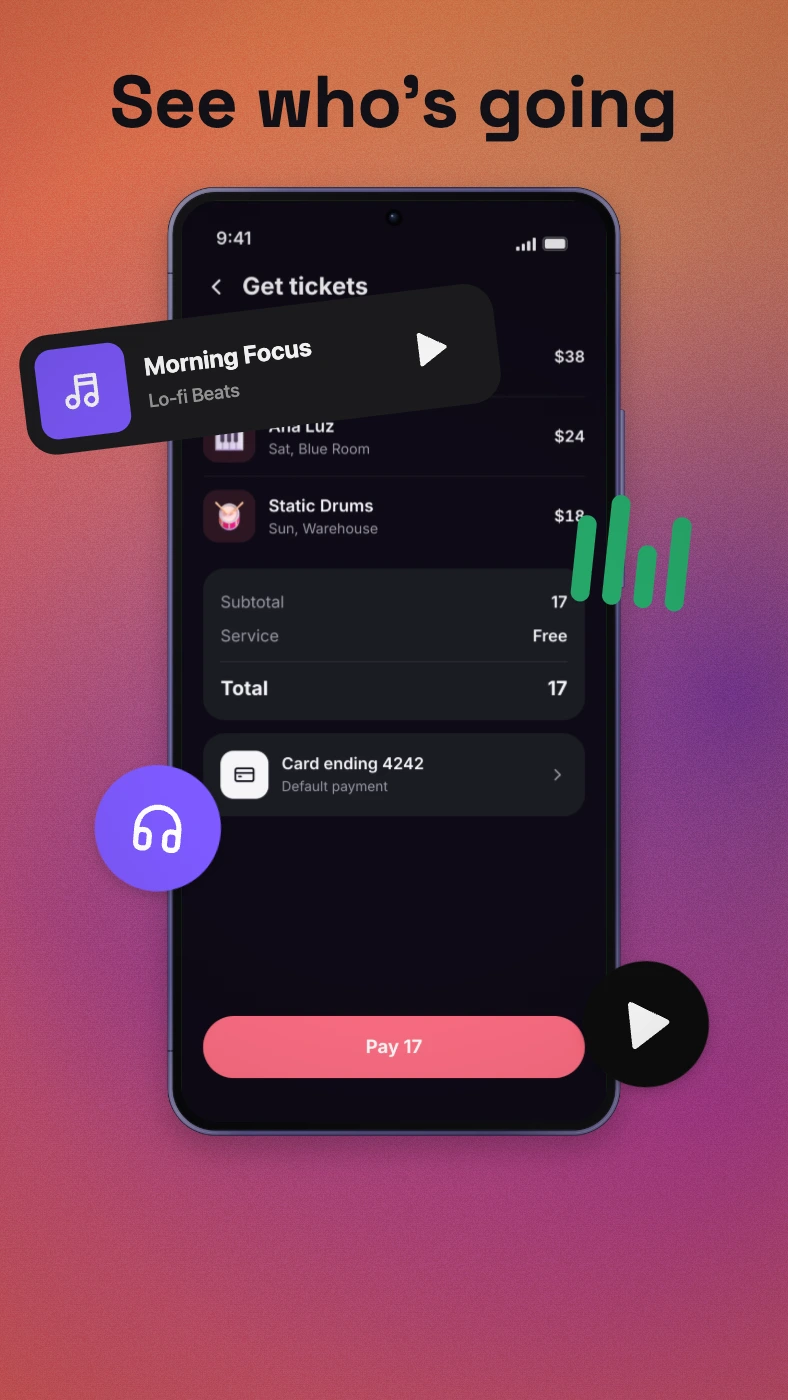
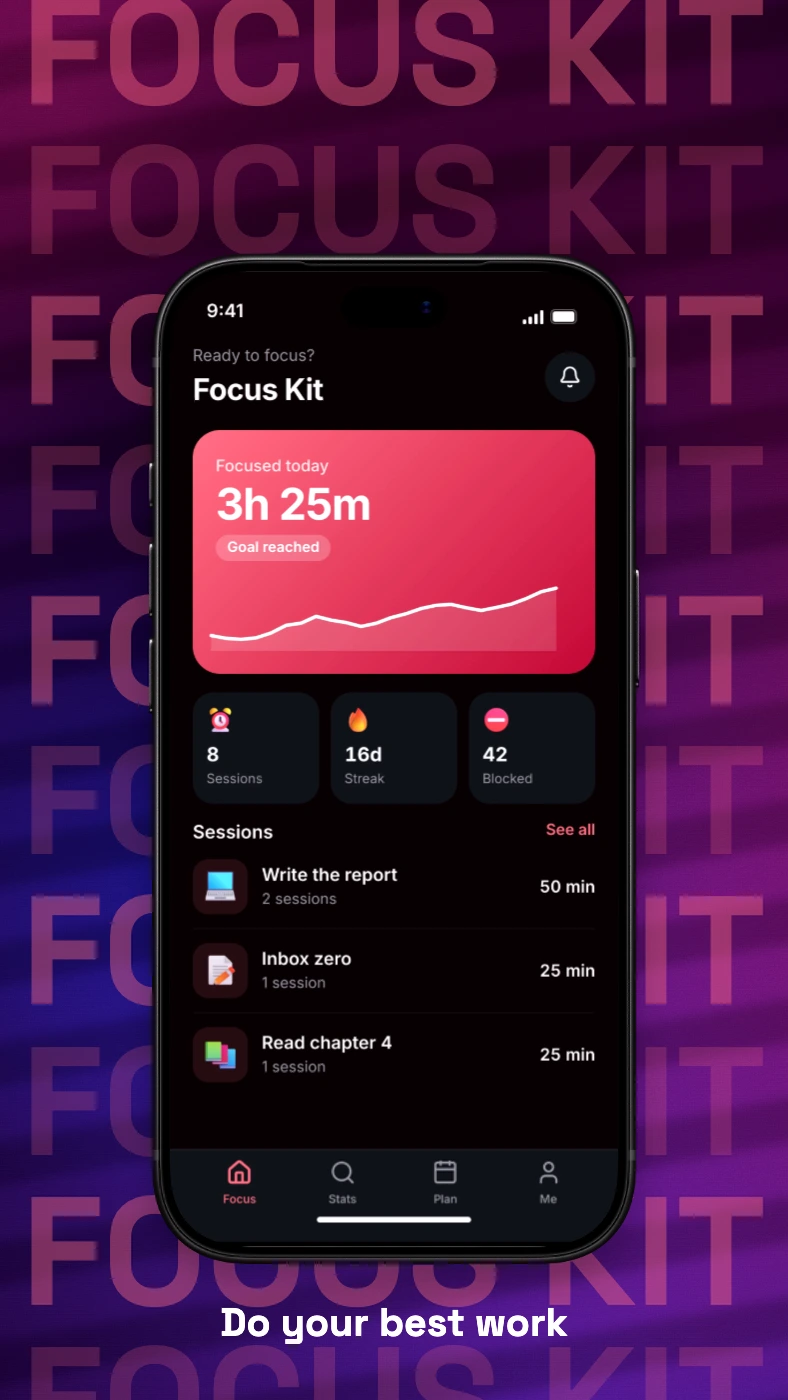
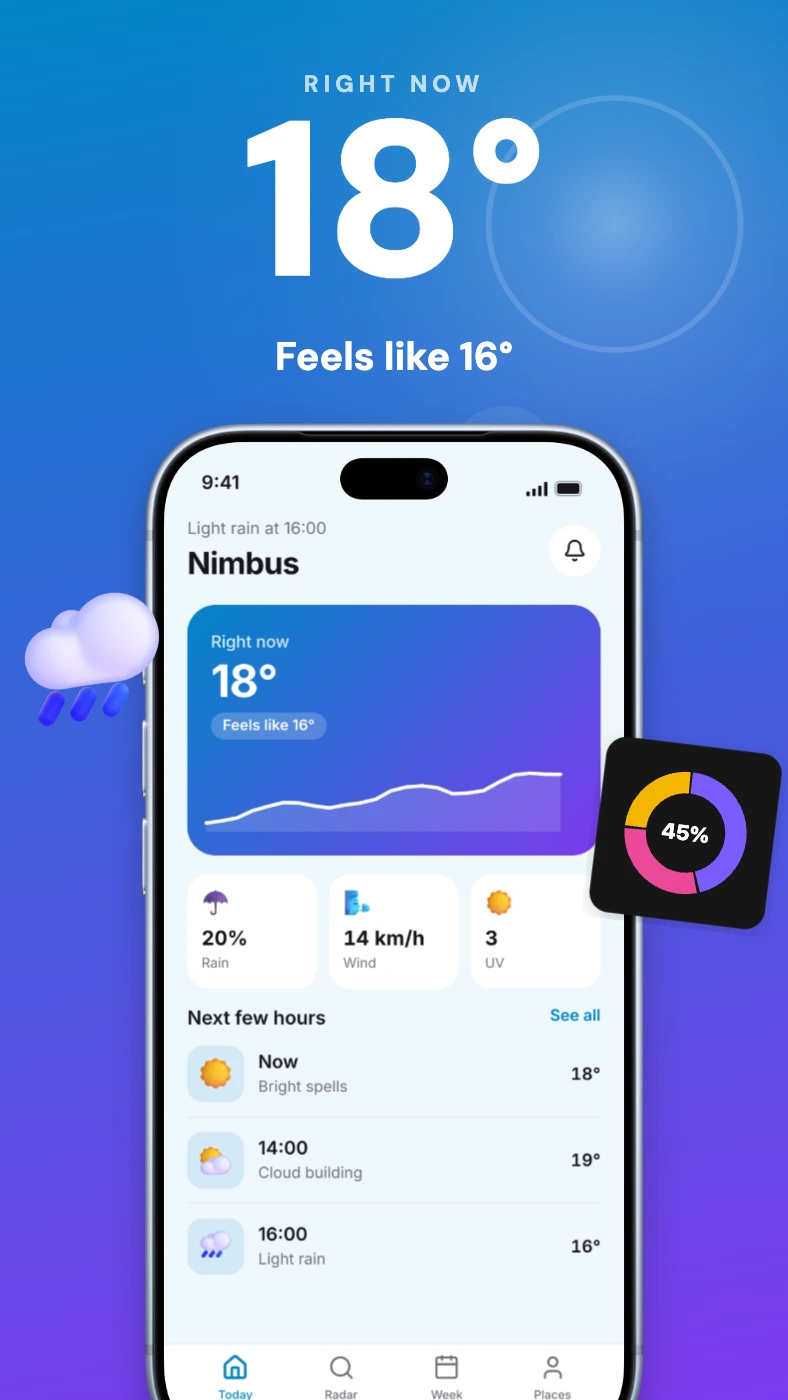
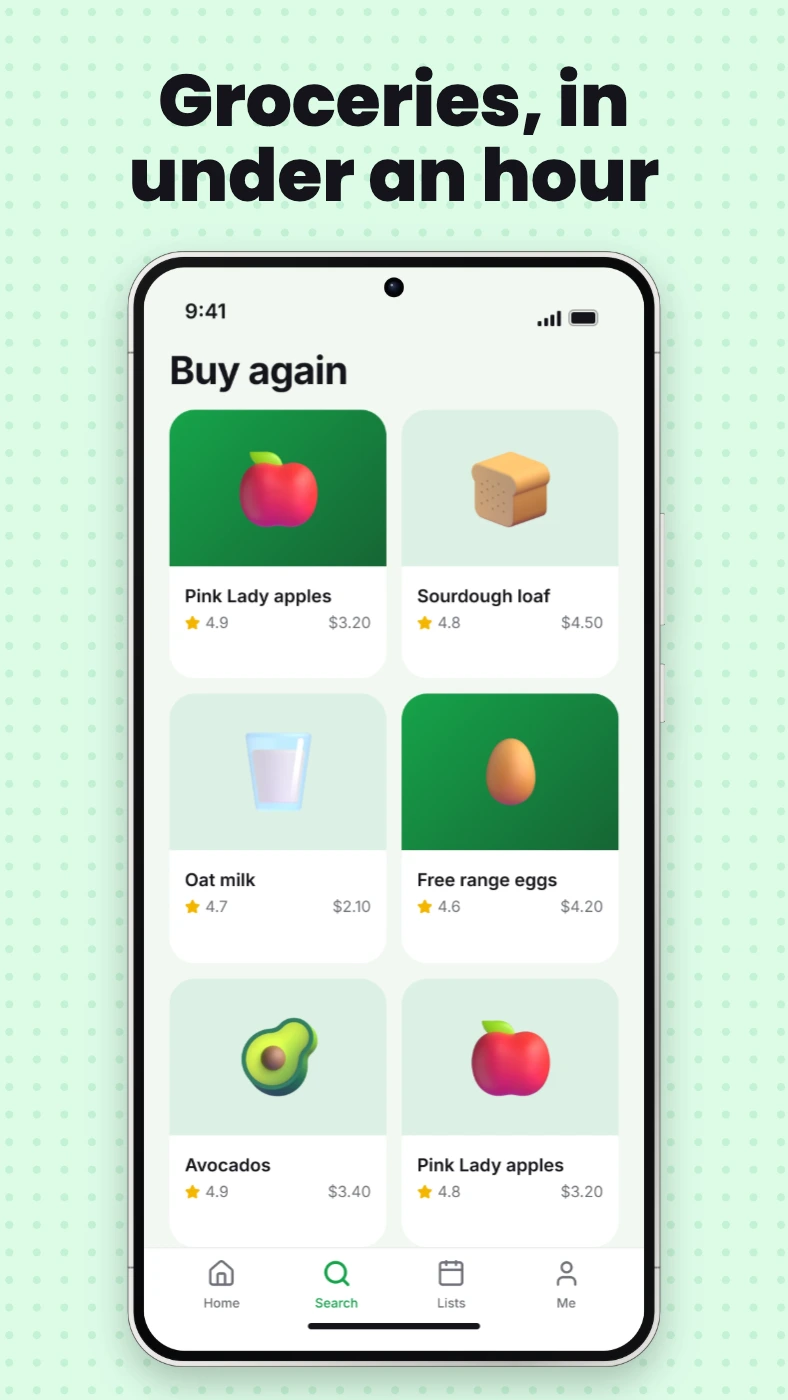
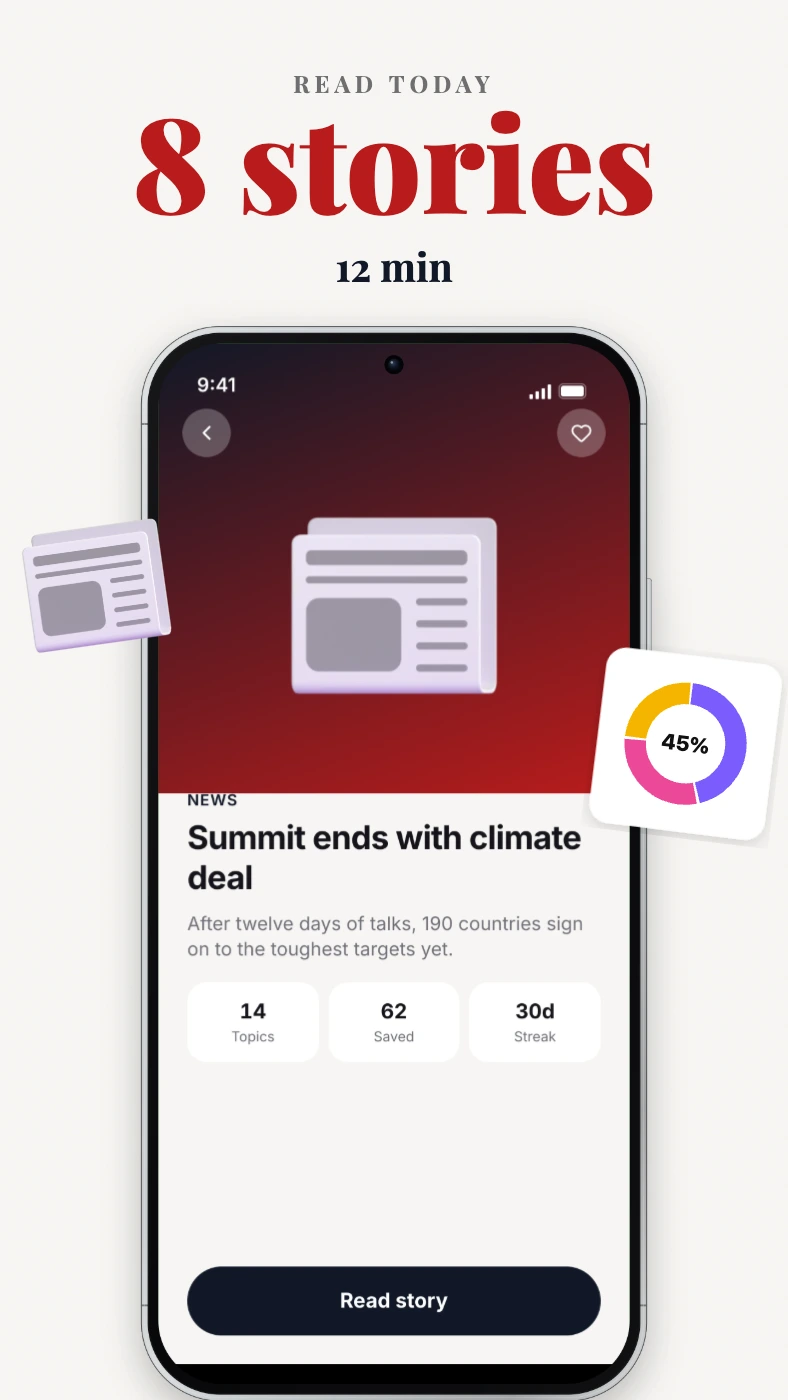
Fifty real sets, none alike: phones, iPads, Macs and watches together, at every size in the menu. Open one, swap in your own screens and export in 4K.
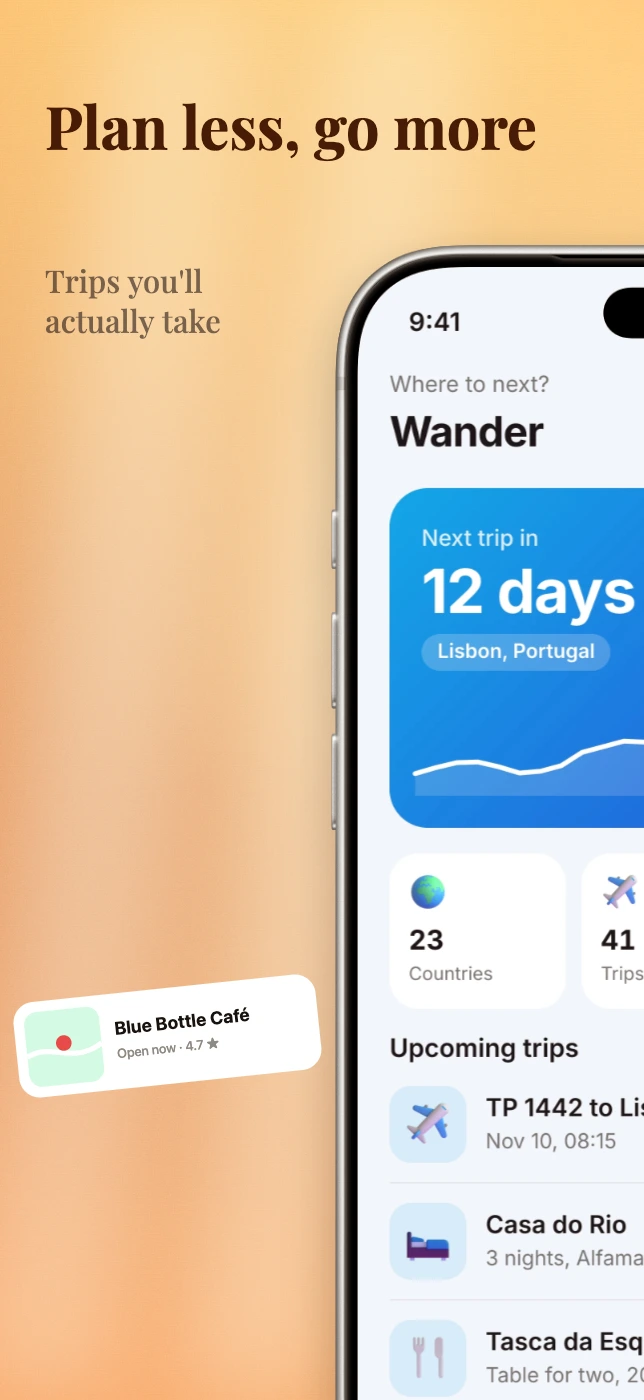
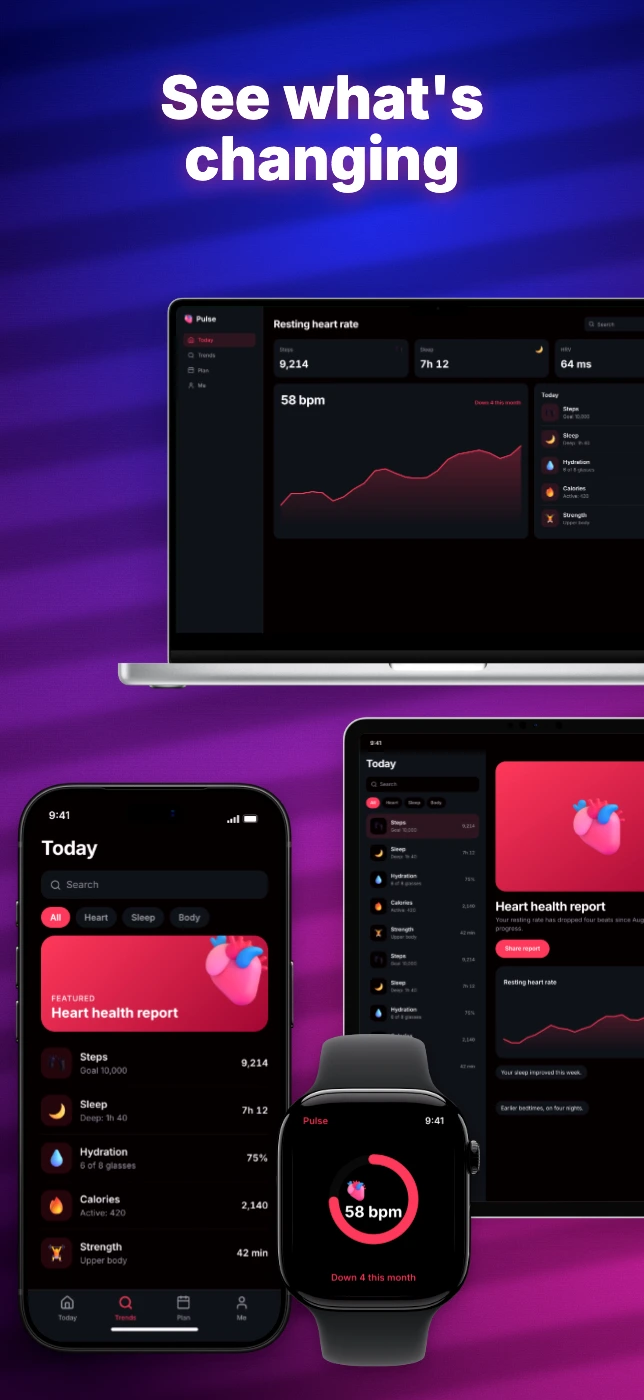
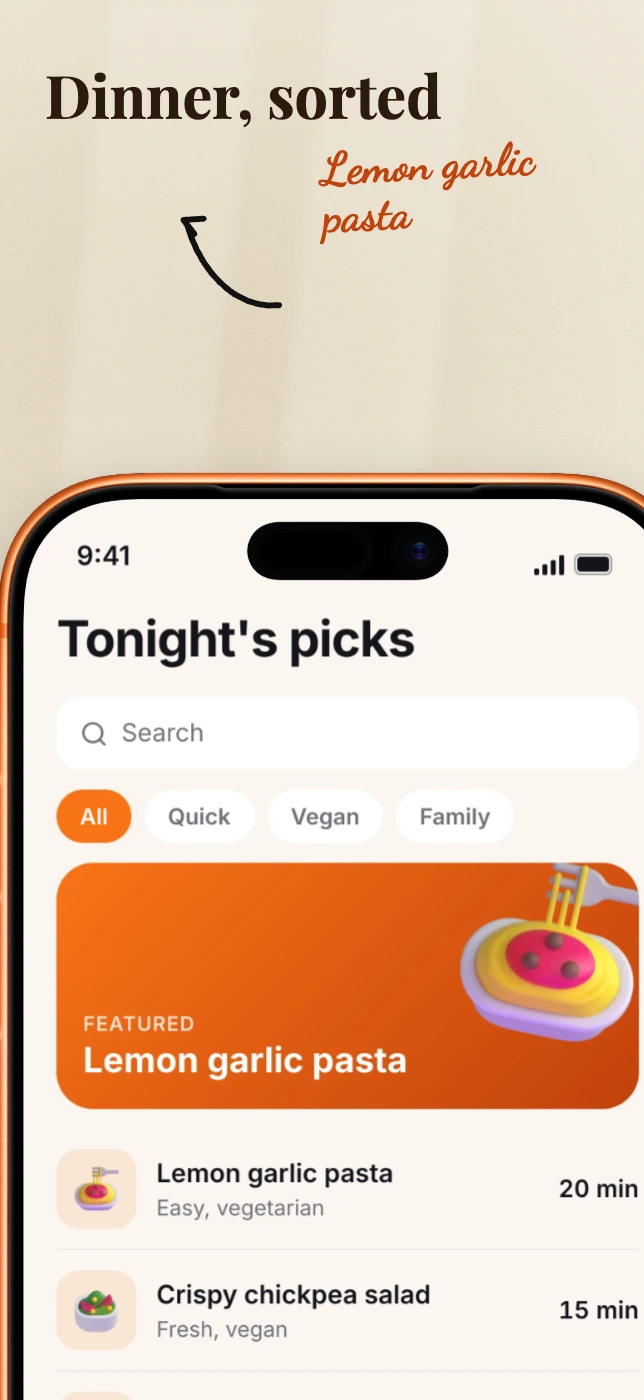
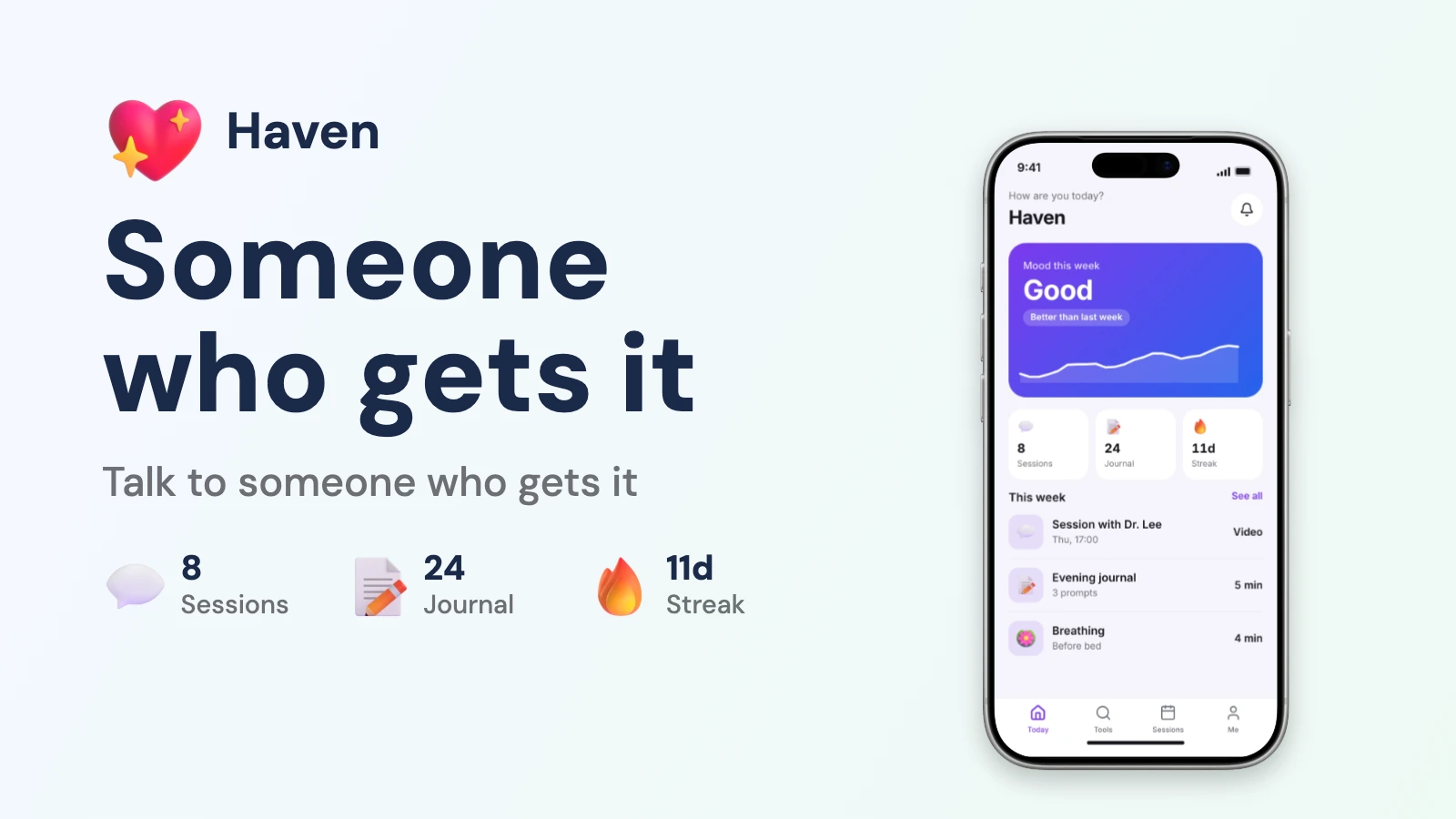
A whole studio in a tab.
60 real device frames
iPhone, Android, iPad, Mac and Watch in their real colours. Put several on one canvas, tilt them, crop the screen on any side.
54 backgrounds
Solids, gradients and mesh backgrounds that keep moving in your videos.
8,536+ stickers
3D emoji, store badges, ratings, notifications and more. Drag them onto any screen.



Motion and video
Styles, moves for every piece and particle effects, out as MP4, WebM or GIF up to 4K.
20 lighting effects
Window light, blinds and leaves for a photographed feel. Drag across to compare.
Text that reads
Any font and weight, outlines and shadows, alignment guides and full control over layering.
Every store size
Exact App Store and Google Play sizes plus social formats, in one click.
Works with your coding agent
Claude Code, Codex or Cursor capture your app and hand you an editable set.
Motion
Your art, moving. In one click.
Pick a style and everything starts moving. Then direct it yourself: 42 device moves including real physics, a camera, animated text, a move for every sticker and 12 particle effects. Export MP4, WebM or GIF up to 4K with Pro.
Store preview
See it where people will see it.
Making a search result, product page header or in-app event? A live phone sits beside your canvas, showing the art in the App Store as you work, in light or dark. Fill in your listing, compose up to five screens, drop in seasonal styles, and let the store check flag the prices, rankings and calls to action Apple asks you to leave out.
Screen templates
No screenshot yet? Make one.
Fill in a form with a live preview, and it lands on your canvas as a card or inside your device. Edit it again whenever you like.
Simple ideas become memorable when the presentation gives them room to breathe.
Paste a public X or Bluesky link, or write your own. Six networks, light and dark.
Themes and brand kit
20 one-click themes, 16 patterns and a colour grade. Keep your colours, logo and watermark on every screen.
Highlight or hide
Ring the part that matters, and blur or pixelate anything private, right on your screenshot.
My templates
Save a look you like and reuse it on any later screen, in any project.
Capture any website
Type an address and get a sharp desktop or mobile capture in your device, in dark mode or the full page.
Real layers
Show, hide, lock and reorder everything. Rotate, flip and recolour any sticker.
- Your headline
- Sparkles
- Device
Everything you can make
Screenshots, store art and social sizes, plus any custom size with ratio presets. Hover one to preview it.
Is Framora really free?
Yes. Every device frame, background, asset and canvas size, unlimited exports and no watermark. Pro only adds things that cost us money to run, like AI captions and extra cloud storage.
Do I need an account?
No. The editor saves to your browser as you work. Sign in only if you want projects in the cloud across devices.
Are my screenshots uploaded?
Not unless you save to the cloud. Rendering and exporting happen in your browser.
Which sizes does it export?
Every size App Store Connect and the Play Console accept, including the 6.9-inch iPhone and 13-inch iPad sizes, plus store art, social formats and any custom size, as PNG, JPG or WebP.
Can it make video?
Yes. Switch on Motion to preview any style for free. Downloading MP4, WebM or GIF is part of Pro.
I don't have a screenshot yet. Can I still start?
Yes. Capture any public website, or fill in a template: post cards, code, charts, testimonials, store promos, chats and other app screens.
Can my coding agent make screenshots?
Yes. Framora has an MCP server: Claude Code, Codex, Cursor and others can capture your app and hand you an editable set.